
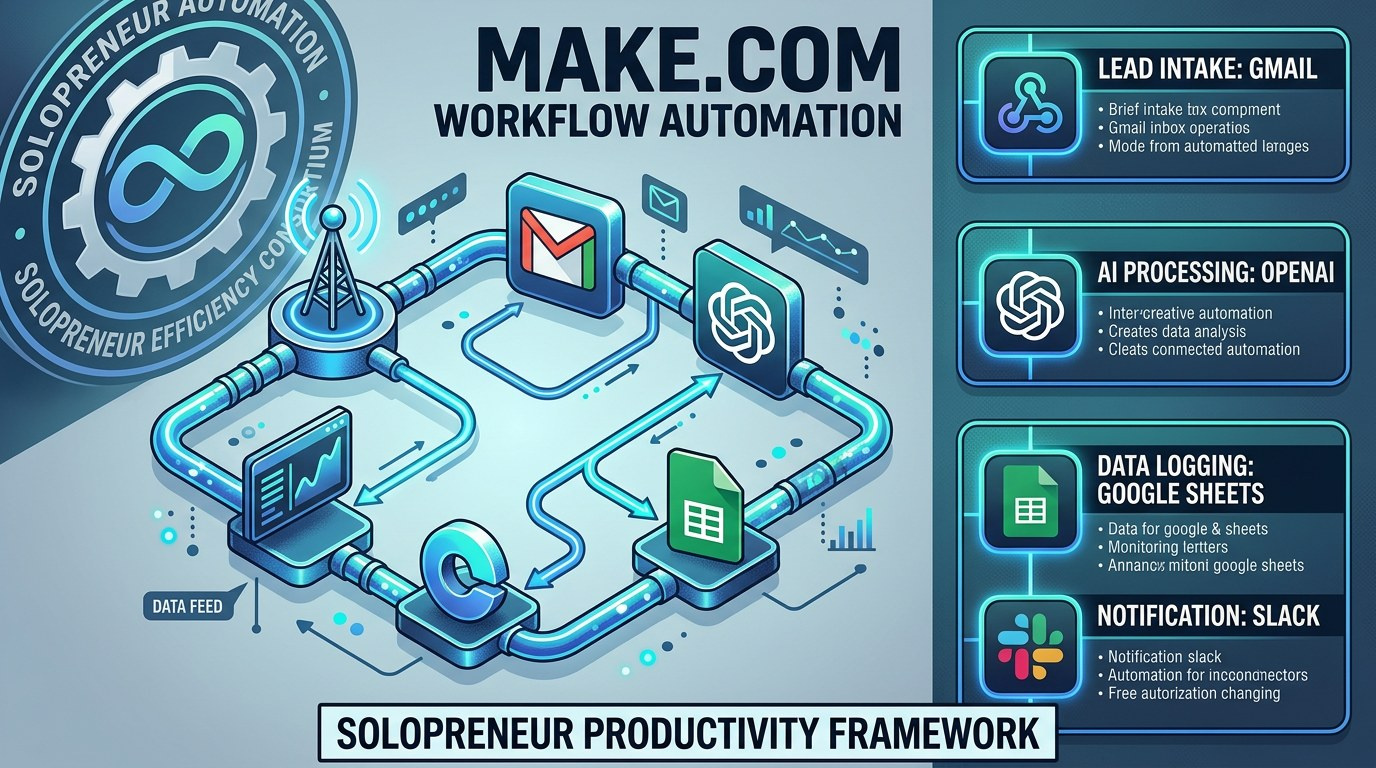
The Solopreneur's Guide to Make.com AI Automation: Build Workflows That Run Your Business While You Sleep
What Every Solopreneur Needs to Know About Make.com AI Automation
Running a one-person business in 2026 means wearing every hat - and the sheer volume of repetitive tasks that pile up between serving clients and growing revenue is the silent tax on your momentum. Make.com's AI modules have changed that equation by putting intelligent, conditional automation within reach of any solopreneur who can drag and drop.
In this guide, I'll walk you through exactly how Make.com's AI automation stack works, which workflows deliver the fastest ROI for solo operators, and how to build your first scenario without writing a line of code.
Types of tasks you can automate with Make.com AI:
- Client communication and follow-up sequences
- Content creation pipelines (drafts, social posts, emails)
- Lead capture and CRM data enrichment
- Invoice generation and payment reminders
- Weekly reporting and analytics digests
- Social media scheduling and repurposing
Core considerations before you build:
- Which tasks eat the most time in your current week
- Where human judgment is still required vs. where it isn't
- How much data needs to flow between your existing tools
- Your current tech stack (Gmail, Notion, Airtable, Stripe, etc.)
- Whether you want real-time triggers or scheduled batch runs
- Budget - Make.com's free tier covers 1,000 operations/month
By the end of this guide, you'll know exactly which workflow to build first, how to connect AI reasoning to real business actions, and how to scale from one scenario to a full automation engine.
AI Productivity Daily, a resource for solopreneurs and small business owners using AI to save time and grow, has tracked Make.com's AI module rollout through 2025 and 2026. In this guide, I'll break down the platform's most powerful features and show you the exact workflows that are saving real operators 5-15 hours per week.
The Core Building Blocks of Make.com AI Automation
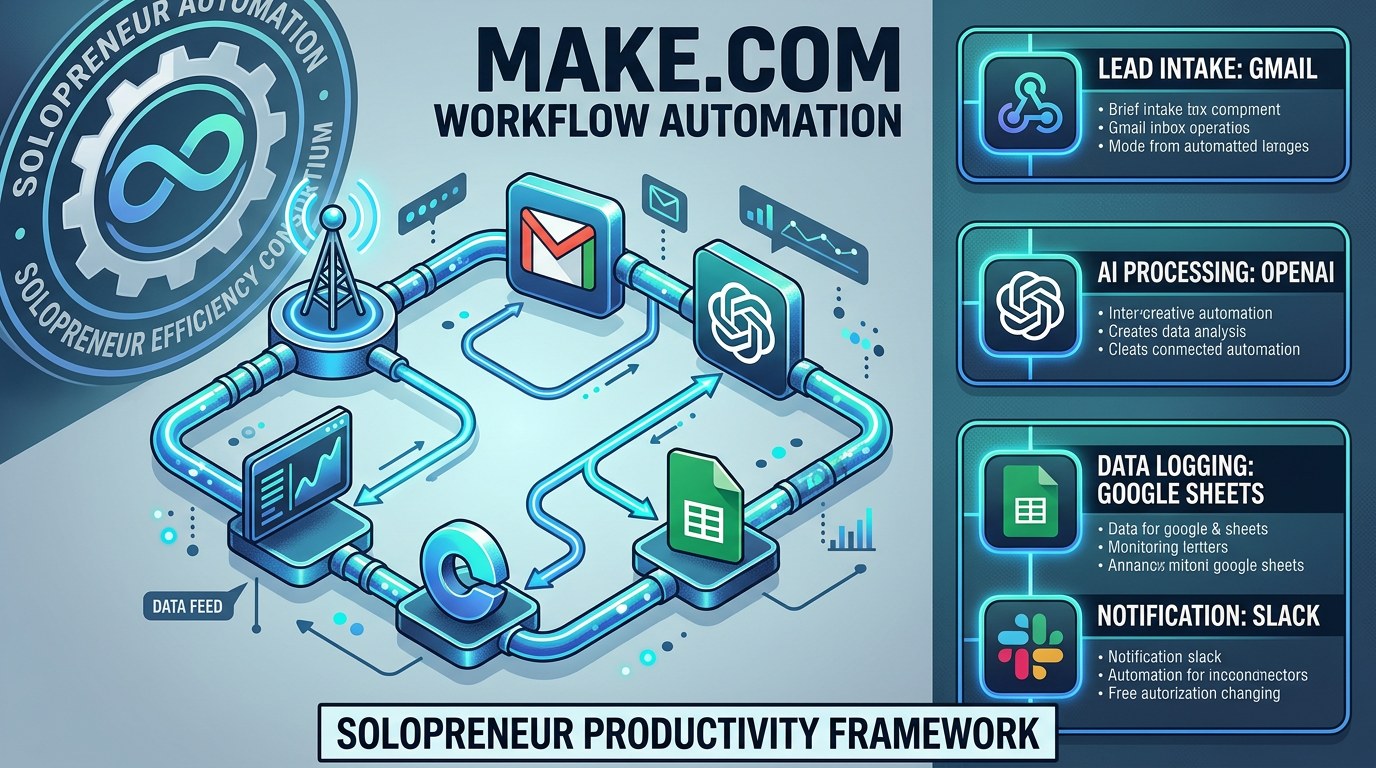
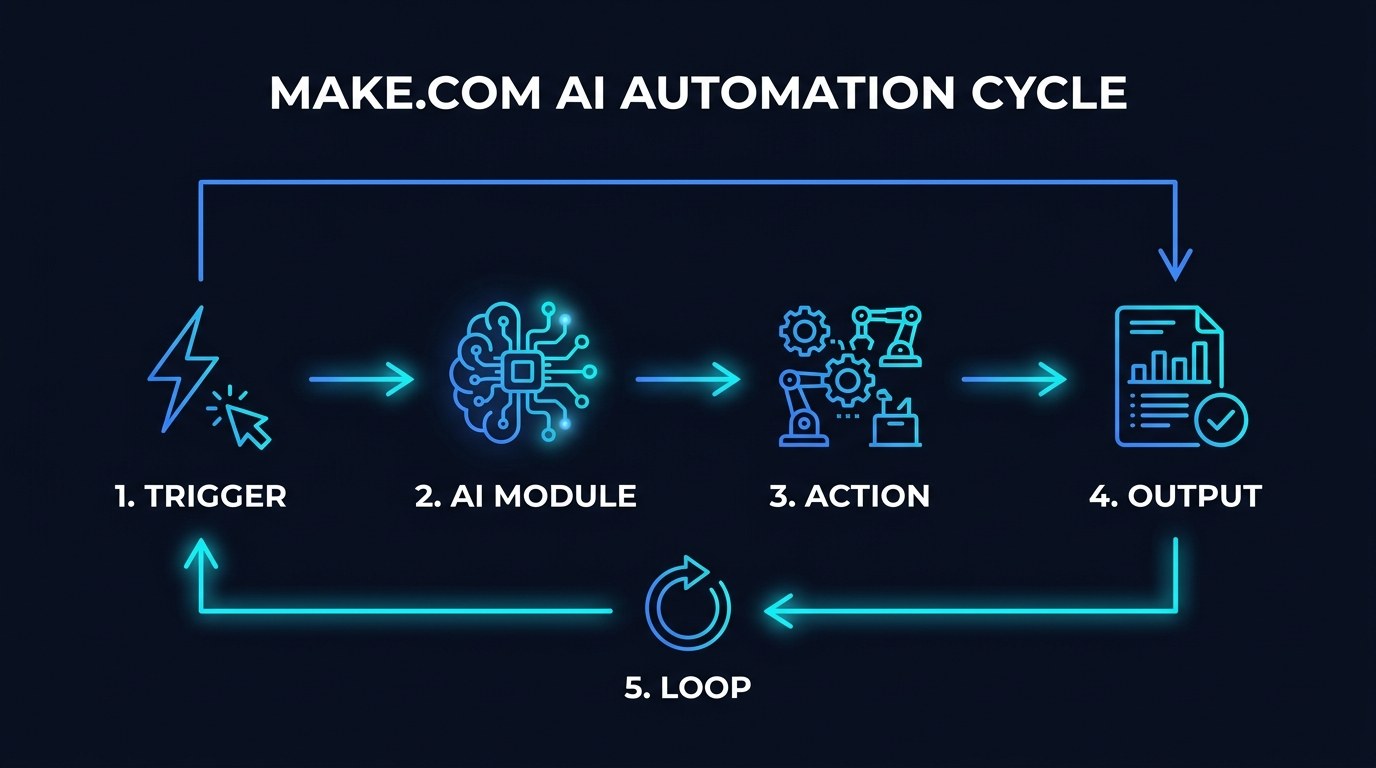
Make.com has evolved well beyond its roots as a visual Zapier alternative. By early 2026, the platform processes over 1 billion operations per month from business users, and its native AI modules - powered by OpenAI, Anthropic, and Google - have become the connective tissue between raw triggers and meaningful business outcomes. The difference from older automation tools is that you're no longer just moving data between apps; you're having AI reason about that data and decide what to do next.
For solopreneurs, this means the automation can adapt. A workflow can read a client email, classify its urgency, draft a personalized reply in your voice, and route it for your review - all before you've had your morning coffee.
The Make.com AI Module Ecosystem
The AI module in Make.com is the brain of any intelligent scenario. It accepts a prompt and a context payload, sends it to an LLM (GPT-4o, Claude 3.5, or Gemini 1.5), and returns structured output you can route to any downstream action. In 2026, the module supports function calling, structured JSON output, and image analysis - which means you can extract data from PDFs, analyze screenshots, or generate formatted content blocks on the fly.
Key capabilities of the AI module:
- Text generation: drafts, summaries, rewrites, translations - fed by live data from Gmail, Notion, Airtable, or any trigger
- Classification and routing: label a lead as hot/warm/cold, tag a support ticket by category, score a piece of content for quality
- Data extraction: pull structured fields from unstructured text - invoice amounts from emails, action items from transcripts, contact details from PDFs
- Decision making: write conditional logic in plain English ("if the sentiment is negative, route to urgent; otherwise, log and continue")
The module connects to any of Make.com's 1,500+ app integrations, so the output of your AI reasoning can immediately trigger a Gmail send, a Notion page creation, an Airtable update, or a Stripe invoice.
Triggers, Actions, and Routers - The Scenario Architecture
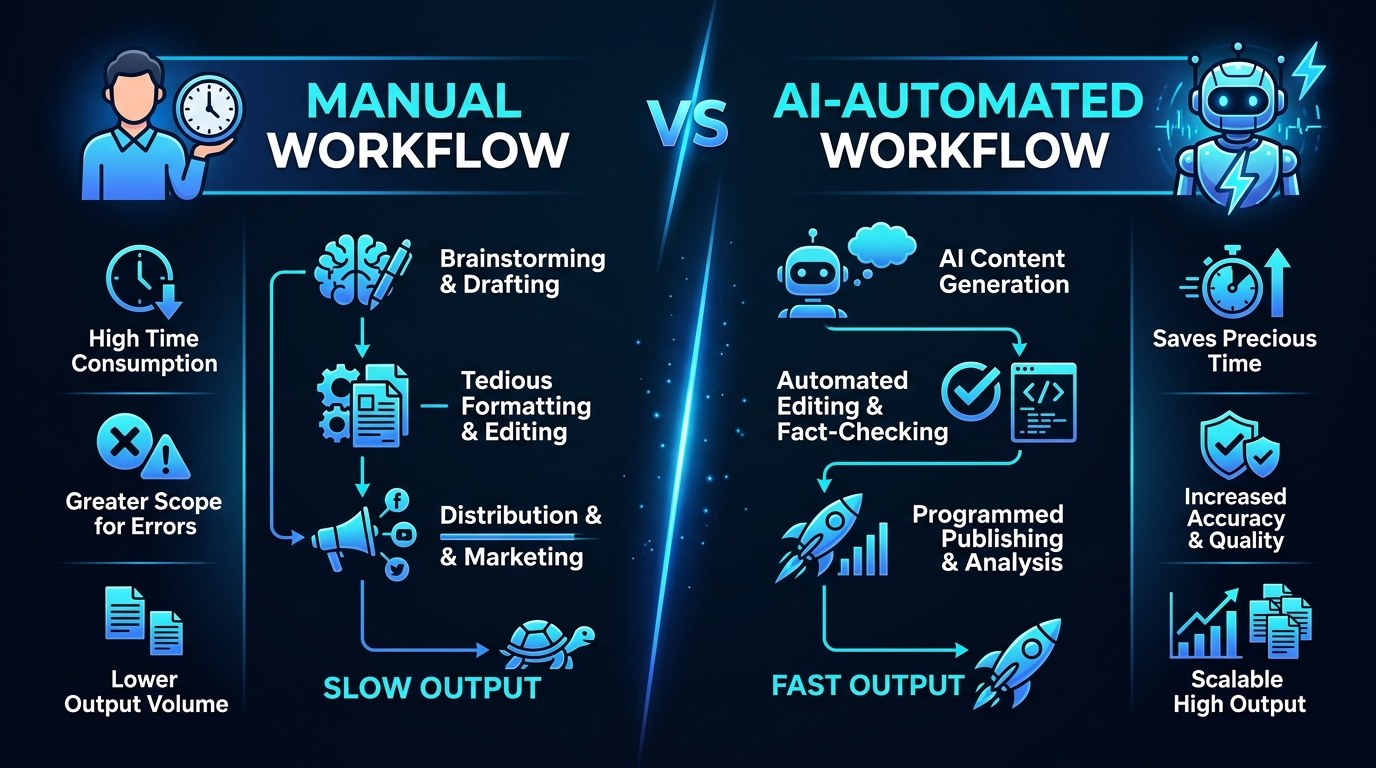
Every Make.com scenario follows the same spine: a trigger that starts the workflow, one or more actions that process or move data, and optionally a router that splits the flow based on conditions. Add an AI module anywhere in that chain and you've created an intelligent workflow.
The three trigger types solopreneurs use most often are: Webhook (something external fires the scenario instantly), Schedule (runs every hour, day, or week), and App Trigger (a new Gmail, a new Typeform submission, a new Stripe charge). Understanding which trigger fits which task is the single biggest unlock for building scenarios that feel invisible - they just work in the background without you ever touching them.
For a solopreneur running client services, the highest-leverage trigger is almost always Gmail + AI module + Notion or Airtable. A new email arrives, the AI classifies and summarizes it, the summary lands in your project tracker. That loop alone, set up once, eliminates the mental overhead of inbox triage for most solo operators.
How to Choose the Right Automation Approach for Your Business
Not every task deserves automation, and not every automation should involve AI. The table below maps the most common solopreneur workflows to the right approach.
| Workflow | Complexity | AI Required? | Best Trigger | |---|---|---|---| | Lead capture → CRM entry | Low | Optional (for enrichment) | Typeform / Webhooks | | Client email triage + summary | Medium | Yes - classification + summary | Gmail Watch | | Weekly performance digest | Medium | Yes - synthesis + formatting | Schedule (weekly) | | Content repurposing (blog → social) | High | Yes - rewriting + formatting | Manual / Webhook | | Invoice reminder sequence | Low | No | Schedule (conditional) |
The expert tip here: start with the email triage workflow. It's the scenario where the time savings are immediate, the setup is under 30 minutes, and the output (a summarized, categorized inbox) directly improves how you make decisions every day. Every solopreneur deals with email. That universality makes it the best first scenario for building confidence with the platform.
Getting Started Without Overwhelm - Practical Tips
Make.com's interface is visual and forgiving, but the learning curve is real if you try to build a complex multi-branch scenario on day one.
- Start with a 3-module scenario: Trigger → AI Module → One Action. Master the data mapping before you add routers or error handlers.
- Use the "Run Once" button relentlessly: Test every module individually before connecting the next one. A failed scenario teaches you more than a working one.
- Write your AI prompt in plain business language first, then paste it into the module. Don't try to write the prompt inside the module - draft it in a notes app, test it in ChatGPT, then move it over.
- Build your first scenario to solve a task that currently takes you 20+ minutes per week. The time-to-value feedback loop will keep you motivated to build the next one.
Start with the free tools at aiproductivitydaily.com/free-tools - including our Make.com starter scenario templates for solopreneurs.
Cloud-Based vs. Local Automation - Understanding the Difference
Make.com runs entirely in the cloud, which means your automations fire even when your laptop is closed, your phone is off, or you're with a client. This is the defining advantage over local tools like n8n self-hosted or Python scripts. The trade-off is that sensitive data flows through Make.com's servers, so for anything involving client financial data or HIPAA-adjacent information, you'd want to review Make.com's data processing agreement and consider whether a self-hosted alternative makes more sense.
For the vast majority of solopreneur use cases - content creation, lead management, client communication, social scheduling - cloud-based automation via Make.com is the right call. The zero-maintenance overhead alone is worth it.
Make.com AI Workflows for Every Stage of Your Business
The workflows that make sense for a solo consultant at $5K/month look very different from what makes sense at $20K/month or when you're managing a small team. Here's how to match your automation stack to your current stage.
- Early stage (under $5K/month): Focus on eliminating the admin that prevents client work. Lead capture → CRM, Gmail triage, and a weekly report digest. Goal is time recovery, not scale.
- Growth stage ($5K-$20K/month): Layer in content repurposing workflows. Every blog post becomes 5 social posts. Every client call summary becomes a proposal draft. AI modules handle the transformation; you review and publish.
- Scale stage ($20K+/month or small team): Add approval workflows and notification routing. Scenarios that flag items for human review, route tasks to the right person, and keep your operations dashboard current - all automatically.
Beginner vs. Advanced Options
The good news: Make.com's pricing and feature set actually align well with this progression.
- Beginner (Free tier - 1,000 ops/month): Enough for 2-3 lightweight scenarios. Gmail triage, lead capture to Airtable, and a weekly email digest. No AI modules on the free plan - upgrade required for those.
- Intermediate (Core plan - $9/month, 10,000 ops/month): Full AI module access. This is where most solopreneurs live. Enough for 5-8 active scenarios running daily.
- Advanced (Pro plan - $16/month, 10,000 ops + full features): Adds custom variables, data stores, and advanced error handling. Worth it when you're running 10+ scenarios or need persistent state across runs.
Customization and Workflow Integration
One of the biggest Make.com developments in 2026 is the introduction of persistent Data Stores on all paid plans. This means your scenarios can now remember things - which leads have already been contacted, which content has already been repurposed, which invoices have already triggered a reminder.
- Personalize AI outputs with your stored data: Pass your brand voice guidelines, client names, or product descriptions from a Data Store into every AI module prompt - so every generated piece sounds like you
- Build stateful sequences: A follow-up email scenario can check the Data Store to confirm it hasn't already messaged this contact in the last 7 days before firing
- Connect Make.com to your existing stack via webhooks: If you use a tool that isn't in Make.com's native app library, a webhook almost certainly bridges the gap - giving you 1,500+ integrations plus a custom escape hatch
Why This Matters for Solopreneurs Running Lean in 2026
Here's the honest picture: most solopreneurs who "tried automation" and gave up did so because they tried to automate everything at once, hit a confusing error, and concluded the tool wasn't for them. That's not a Make.com problem - it's a sequencing problem. The solopreneurs who stick with it and compound the results start with one high-value workflow, get that working reliably, and then build the next one.
The payoff is asymmetric. A well-built Gmail triage scenario that saves you 45 minutes a day is worth more than an elaborate 15-scenario stack that breaks every time an app changes its API. Start simple. Run it for two weeks. Then build the next one.
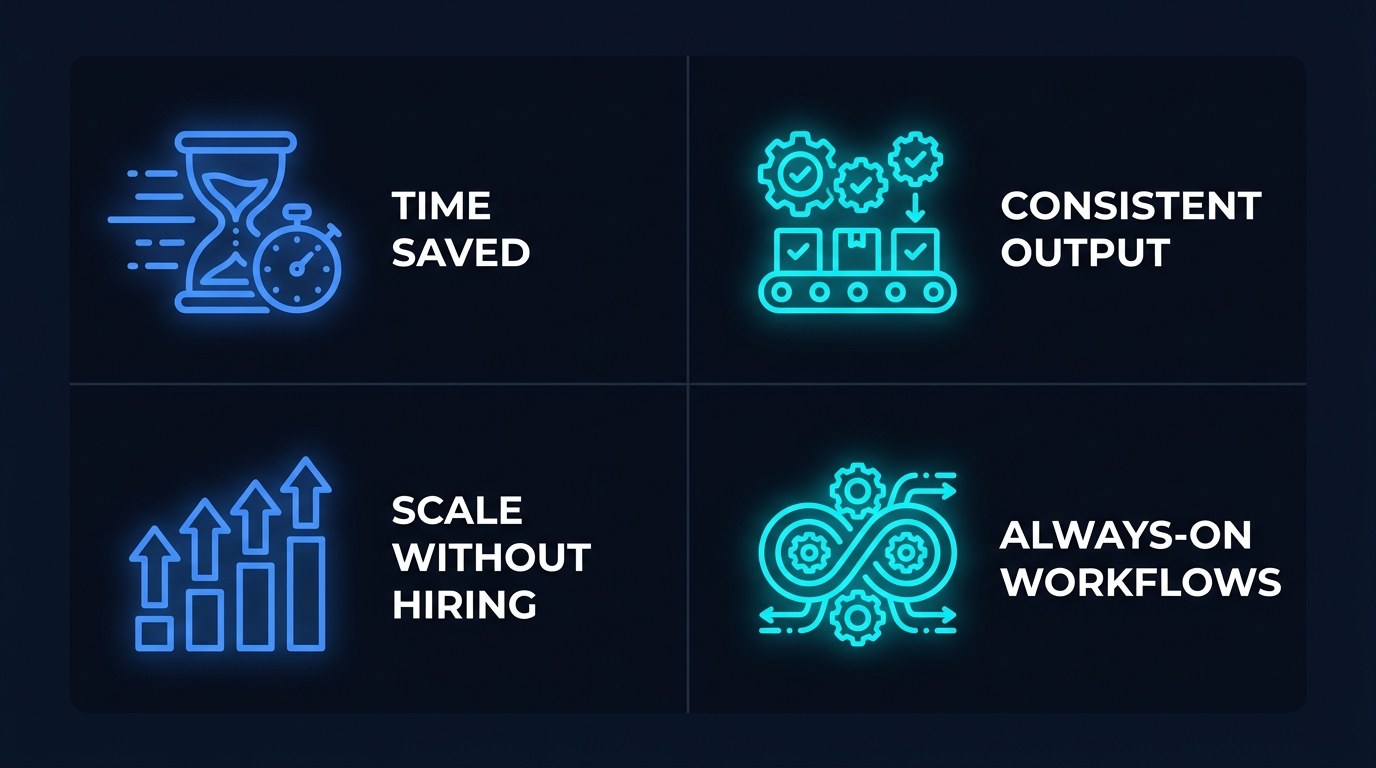
Four key advantages of Make.com AI automation for lean operators:
- Time reclaimed from repetition: The average solopreneur spends 2-3 hours/day on tasks that could be fully or partially automated. Even recovering 1 hour/day compounds to 20+ hours per month - that's a full client project.
- Consistent quality at scale: AI modules apply your prompt (your brand voice, your formatting standards, your tone) identically every time. No off days, no shortcuts, no "I'll clean it up later."
- Scale without hiring: A single well-built automation stack lets you handle 2-3x the client volume without proportionally increasing your hours. That's the core business case for every solopreneur who wants to grow without burning out.
- Always-on operations: Scenarios run at 3 AM, on weekends, and while you're on vacation. Your business doesn't stop when you step away.
Getting the Most Out of Make.com AI Automation
- Audit your week before you build anything: Track every task you do for 3 days. Highlight anything that takes more than 10 minutes and follows a predictable pattern. That list is your automation roadmap.
- Use Make.com's scenario templates as a starting point: The template library has 100+ pre-built scenarios for common solopreneur workflows. Clone one, swap in your apps and credentials, and customize - don't start from a blank canvas.
- Build error handling into every scenario from day one: Add a simple error route that emails you when a scenario fails. Silent failures are the hidden cost of automation - you don't know the workflow broke until a client notices.
- Review your scenario run history weekly for the first month: Make.com logs every execution. Spend 10 minutes each week looking for failed runs, slow executions, or unexpected outputs. This one habit catches 90% of issues before they become problems.
For a deeper dive into AI tools that pair well with Make.com, check out our guide on building your AI productivity stack from scratch.
Frequently Asked Questions About Make.com AI Automation
How many operations does a typical solopreneur automation use per month?
It depends entirely on how many times your triggers fire. A Gmail triage scenario that runs on every incoming email will use roughly 3-5 operations per email (trigger + AI module + action + filter). If you get 50 emails a day, that's 150-250 operations daily, or 4,500-7,500 per month - well within the Core plan's 10,000 ops/month. Most solopreneurs running 3-5 active scenarios stay comfortably under 10,000 ops/month until they're automating high-volume transactional workflows.
What happens if an AI module returns unexpected output?
Make.com won't automatically crash a scenario if the AI returns something unexpected - but your downstream actions may fail if they're trying to map a field that doesn't exist. The best practice is to add a filter module immediately after your AI module that checks for required output fields before proceeding. If the check fails, route to an error handler that logs the raw output to a Data Store for review. This pattern makes your scenarios resilient to the occasional LLM hallucination or formatting variation.
Can I use Make.com AI automation if I'm not technical?
Yes - with a specific caveat on the AI prompt. The visual scenario builder requires no coding. Where new users sometimes get stuck is writing effective prompts for the AI module. The good news: you don't need to be a prompt engineer. Write your prompt the way you'd brief a capable assistant: "Here is a client email. Summarize it in 2 sentences. Classify it as urgent, normal, or FYI. Suggest one next action." That's a complete, working prompt. Start with simple instructions and iterate based on what the module returns.
Conclusion
Make.com's AI automation isn't a future-state capability - it's a working, accessible system that solo operators are using right now to reclaim hours, deliver consistent work, and run businesses that don't depend entirely on their own availability. The solopreneurs winning in 2026 aren't the ones working hardest. They're the ones who identified the right tasks to delegate to automation and then got out of the way.
Your first scenario doesn't need to be impressive. It needs to run reliably, save you real time, and teach you how the platform works. Start with the free AI Morning Brief at aiproductivitydaily.com/free-tools - a daily digest of what's moving in AI, filtered for solopreneurs.
One AI workflow, every weekday.
Tutorials, tool reviews, and automation playbooks for solopreneurs running on AI. Short, useful, and free. Unsubscribe anytime.
No pitch. No upsell. One quick AI workflow per weekday.