

The Solopreneur's Guide to Few-Shot Prompting: Teach AI Your Style With a Few Examples in 2026
What Every Solopreneur Needs to Know About Few-Shot Prompting
If your AI outputs keep coming back generic, off-brand, or formatted wrong, the problem usually isn't the model — it's that you never showed it what "right" looks like. Few-shot prompting fixes that by handing the AI a few finished examples before you ask for the real thing.
In this guide you'll learn the core building blocks:
- Zero-shot vs. few-shot prompting
- How many examples to include
- Choosing examples that teach a pattern
- Formatting examples the model can read
- Reusing examples as saved templates
- Common mistakes that confuse the model
And the key considerations to weigh before you lean on it:
- How consistent your output needs to be
- Whether your task has a clear "right answer" shape
- How much context window you have to spend
- Whether you'll reuse the task often enough to save examples
- How sensitive the work is to tone and brand voice
- When fine-tuning is the better long-term move
By the end, you'll be able to teach any chatbot your exact voice and format in one message — no coding, no fine-tuning, no prompt-engineering degree.
AI Productivity Daily, a resource for solopreneurs and small business owners using AI to save time and grow, has tested few-shot prompting across copywriting, customer replies, and data cleanup. In this breakdown, I'll show you exactly how to structure examples so the AI copies your pattern the first time.

The Core Concepts Behind Few-Shot Prompting
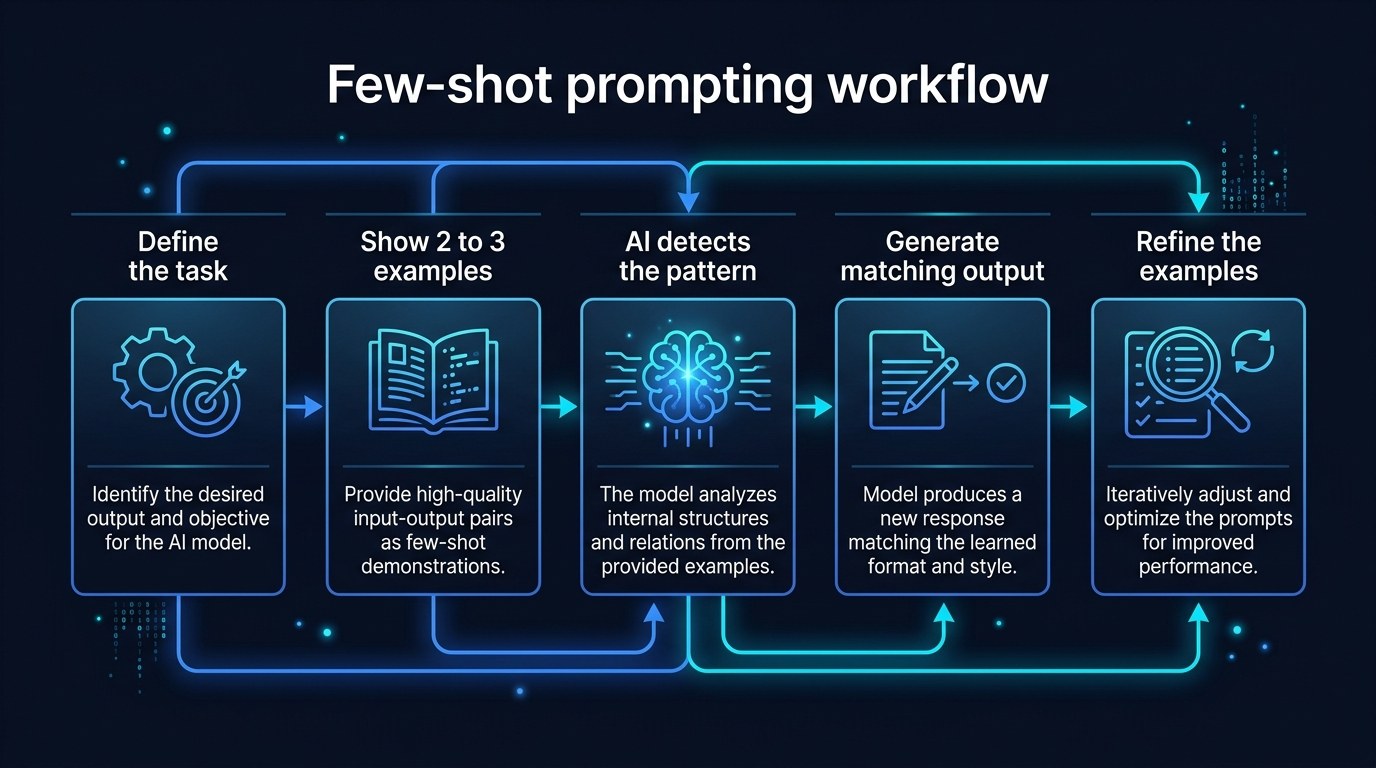
"Few-shot" is borrowed from machine learning, but the idea is dead simple: instead of describing what you want in the abstract, you show the model a few completed examples and let it infer the pattern. Large language models are pattern-matching engines first and foremost, so a concrete example often carries more signal than a paragraph of instructions. Research on in-context learning going back to the original GPT-3 paper found that adding just a handful of examples sharply improved task accuracy without changing the model itself — and in 2026, with longer context windows now standard across ChatGPT, Claude, and Gemini, you can afford to spend more of that window on good examples than ever before.
For a solopreneur, that shift matters. You don't have a brand team writing style guides. Your "style guide" is the last ten emails you sent, the captions that actually sounded like you, the product descriptions that converted. Few-shot prompting turns those artifacts into instructions.
Zero-Shot vs. Few-Shot
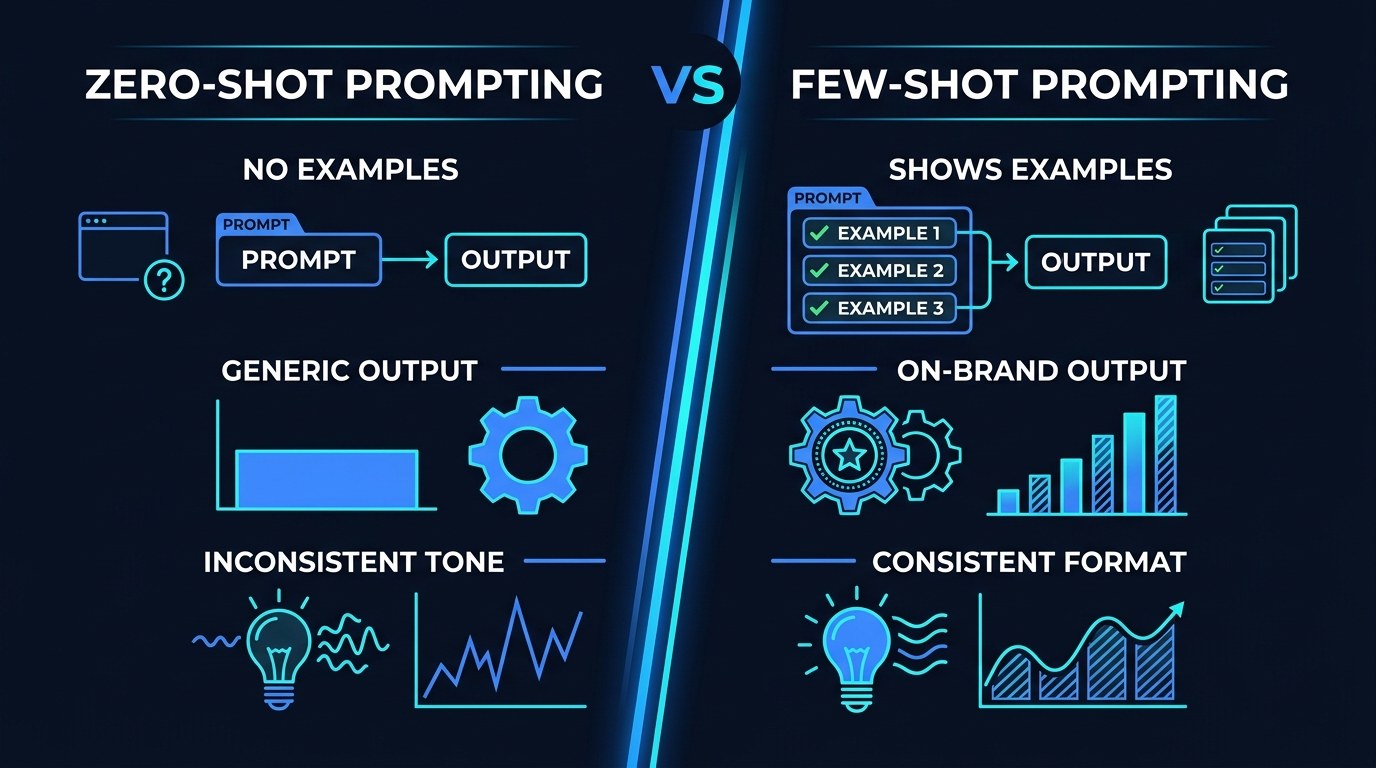
Zero-shot prompting is what most people do by default: you ask the model to do something with no examples ("Write a product description for my candle"). It works, but the output reflects the model's average of everything it has seen — which is exactly why it sounds generic.
- Zero-shot is fastest and fine for throwaway tasks or brainstorming where voice doesn't matter.
- One-shot (a single example) is enough to lock in a simple format, like a specific subject-line structure.
- Few-shot (two to five examples) is where tone, rhythm, and nuance actually transfer — the model has enough data points to see what your examples have in common.
The practical takeaway: the more your output needs to sound like you specifically, the more examples earn their place in the prompt.
Why Examples Beat Adjectives
Telling the model "write in a warm, professional, concise voice" sounds helpful, but those words mean different things to different writers. One person's "concise" is another's "curt." An example removes the ambiguity entirely. When you paste three of your real captions and say "match this voice," the model isn't guessing what warm means — it's measuring the actual sentence length, the punctuation habits, the way you open and close. That's why a single strong example frequently outperforms a long list of descriptors, and why few-shot prompting has quietly become one of the most reliable techniques in any solopreneur's 2026 toolkit.
How to Choose the Right Prompting Approach for Your Business
Not every task needs examples. Use this table to decide fast.
| Approach | Examples Used | Strengths | Best For | |---|---|---|---| | Zero-shot | None | Fastest, no setup, flexible | Brainstorming, research, one-off questions | | One-shot | 1 | Locks a format quickly | Subject lines, simple templates, list formats | | Few-shot | 2-5 | Transfers tone + structure reliably | On-brand copy, customer replies, repeated tasks | | Few-shot + rules | 2-5 plus instructions | Highest control and consistency | Brand voice at scale, client deliverables | | Fine-tuning | 50+ | Permanent, no prompt overhead | High-volume, identical tasks across months |
If I had to pick one default for solopreneurs, it's few-shot with a short rule line. Three examples plus one sentence of guidance ("Keep each under 40 words, end with a question") gives you roughly 90% of the consistency of fine-tuning at zero setup cost and zero ongoing spend — which is the right trade-off when you're the whole team.
"I Don't Have Time to Build Examples" — Practical Tips
You already have the examples; you just haven't collected them. Here's how to move fast:
- Pull your 3 best past pieces for the task (best email, best caption, best reply). Quality beats quantity — 3 strong examples outperform 8 mediocre ones.
- Trim each example to under 100 words so you don't burn your context window. The pattern transfers from short samples.
- Label them clearly with a delimiter like
EXAMPLE 1:so the model knows where each one starts and stops. - Save the finished prompt once. Reuse it forever — the second time costs you 10 seconds. For a head start, the free templates at aiproductivitydaily.com/free-tools are built to drop your examples straight in.
Few-Shot vs. Fine-Tuning — Understanding the Difference
These get confused often. Few-shot prompting teaches the model for one conversation by including examples in the prompt itself — nothing about the model changes, and you pay for those example tokens every time you run it. Fine-tuning actually retrains the model's weights on a larger dataset so it permanently "knows" your style without examples in the prompt.
The choice comes down to volume and stability. If your task runs a few times a week and your voice evolves, few-shot wins — it's flexible and free to adjust. If you're generating the same kind of output hundreds of times a month and the format never changes, fine-tuning eventually pays off. Almost every solopreneur should start with few-shot and only consider fine-tuning once a task becomes a genuine bottleneck.
Few-Shot Prompting for Every Stage of Your Business
The technique scales with you:
- Just starting out: Use few-shot to sound established before you have a defined brand voice — borrow the tone from writers you admire (your own future style) and let the AI hold it steady across everything you publish.
- Growing and busy: Use it to delegate to yourself — turn your three best customer replies into a prompt so support answers stay on-brand even when you're rushing.
- Scaling with help: Use saved few-shot prompts as a shared standard so a VA or contractor produces output that matches your voice without months of training.
Beginner vs. Advanced Options
- Beginner (Free): Paste 2-3 examples directly into ChatGPT, Claude, or Gemini's free tier with a simple "match this style." Right for anyone who wants better output today with no tools.
- Intermediate (Paid): Save reusable few-shot prompts as custom GPTs, Claude Projects, or Gemini Gems so your examples live in the tool and load automatically. Worth it once you run a task weekly.
- Advanced (Enterprise/API): Store example sets in a prompt-management layer or pull them dynamically from your own content library via API. Justified when output volume is high enough that token cost and version control start to matter.
Customization and Workflow Integration
In 2026, the line between "prompt" and "app" keeps blurring — your few-shot examples can now live inside saved assistants, automation tools, and even your CRM's AI features. Three ways to tailor it:
- Rotate examples by channel — one set for LinkedIn voice, another for email, another for SMS.
- Pair examples with a counter-example ("Don't write like this") to sharpen the boundary.
- Feed in a fresh example whenever your style shifts so the AI evolves with your brand instead of freezing it in time.
Why This Matters for Solopreneurs Running Lean in 2026
I get the hesitation: assembling examples feels like extra work when you just want the AI to do the thing. But that five-minute setup is the difference between editing every output and approving it. The examples do the work your absent brand team would have done — once.
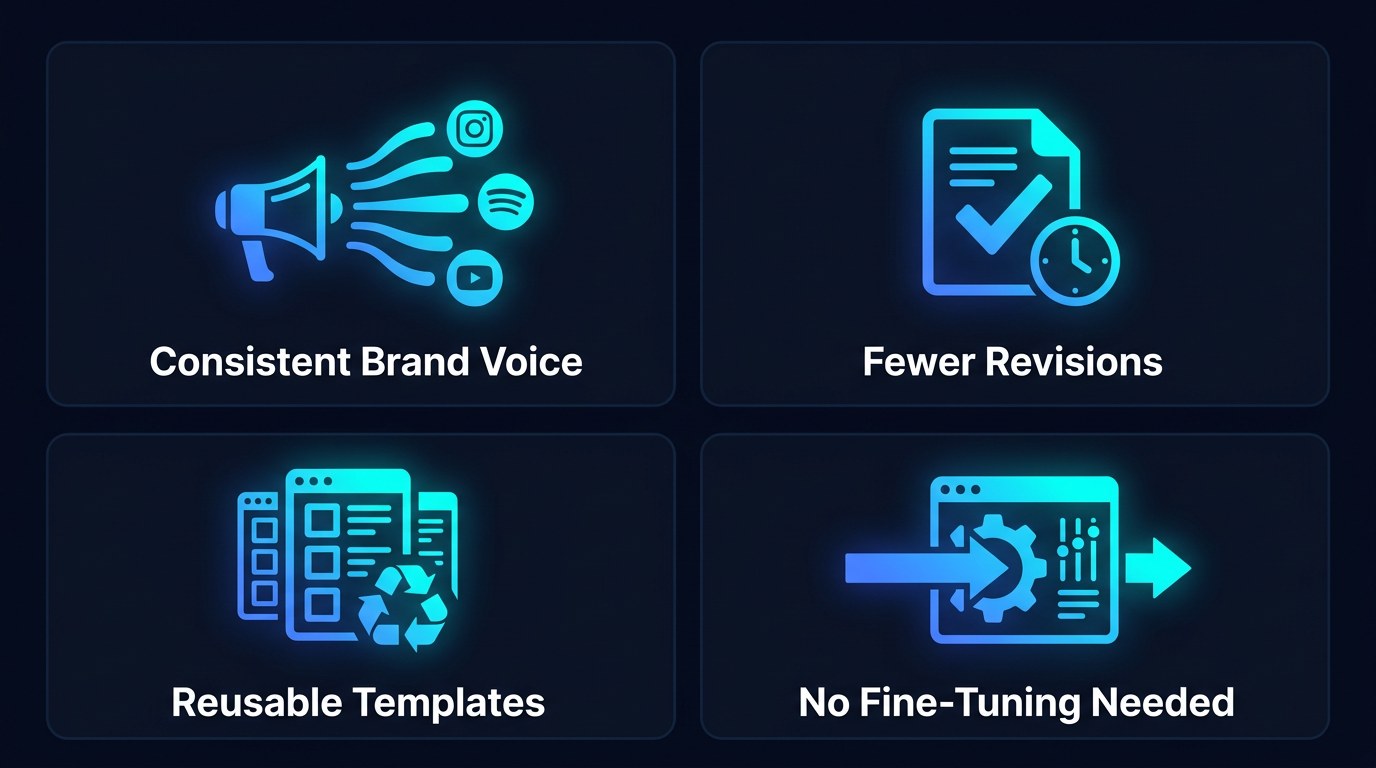
- You stop rewriting AI drafts that "aren't quite you."
- Your output stays consistent across channels even on your busiest days.
- You build a reusable asset, not a one-off prompt.
- You get fine-tuning-grade consistency without the cost or technical setup.
Getting the Most Out of Few-Shot Prompting
- Use diverse examples. If all three samples are nearly identical, the model overfits and copies them too literally. Vary the topic, keep the voice.
- Put examples before your request, not after — the model reads top to bottom and anchors on what it sees first.
- Separate examples from instructions with clear delimiters (
---orEXAMPLE:) so the model never blends your sample text into the output. - Audit one output, then lock it. Once a prompt produces a clean result, save it verbatim. For a structured way to organize saved prompts, see our free AI tools and templates.
Frequently Asked Questions About Few-Shot Prompting
How many examples should I include?
Start with three. It's the sweet spot where the model has enough data to see a pattern without you wasting context window or risking overfitting. Add a fourth or fifth only if the output still misses your tone; drop to one if the task is purely about format.
How do I structure a few-shot prompt?
Keep it predictable so the model can parse it:
- Open with one line of context ("You write captions for a Miami fitness brand").
- Add your examples, each clearly labeled (
EXAMPLE 1:,EXAMPLE 2:). - Add one short rule line if needed (length, tone, CTA).
- End with the actual request and a label for the output (
NOW WRITE:).
Can I use few-shot prompting on the free version of ChatGPT or Claude?
Yes — it's a prompting technique, not a paid feature, so it works on every major free tier today. The only real limit is context window: free tiers cap how much text you can paste, so keep each example under roughly 100 words. If you find yourself reusing the same examples constantly, a paid plan's saved assistants will store them for you.
Conclusion
Few-shot prompting is the closest thing to handing the AI your brand voice on a sticky note — quick, concrete, and surprisingly powerful. You don't need to learn prompt engineering or fine-tune anything. You need three good examples and the discipline to save the prompt once you nail it. Do that, and the AI stops sounding like everyone else and starts sounding like you.
Want a daily edge on techniques like this? Start with the free AI Morning Brief at aiproductivitydaily.com/free-tools — a daily digest of what's moving in AI, filtered for solopreneurs.
One AI workflow, every weekday.
Tutorials, tool reviews, and automation playbooks for solopreneurs running on AI. Short, useful, and free. Unsubscribe anytime.
No pitch. No upsell. One quick AI workflow per weekday.