
Shortwave AI Review: The Best AI Email Client for Solopreneurs in 2026
You spend two hours a day in your inbox. Maybe more. And if you're running a business solo - handling clients, pitching prospects, managing vendors, following up on invoices - email isn't just a communication tool. It's the operating system for your entire business.
The problem is that most email clients were designed for a world where you got 20 emails a day, not 200. That's why AI email clients are blowing up right now. And one tool in particular has been quietly building the most useful AI email experience on the market: Shortwave.
In this post, you'll learn exactly what Shortwave does, how its AI features actually work in practice, who it's best for, and whether it's worth the price - especially if you're a solopreneur or freelancer looking to reclaim hours every week.
What Is Shortwave and Why Should You Care?
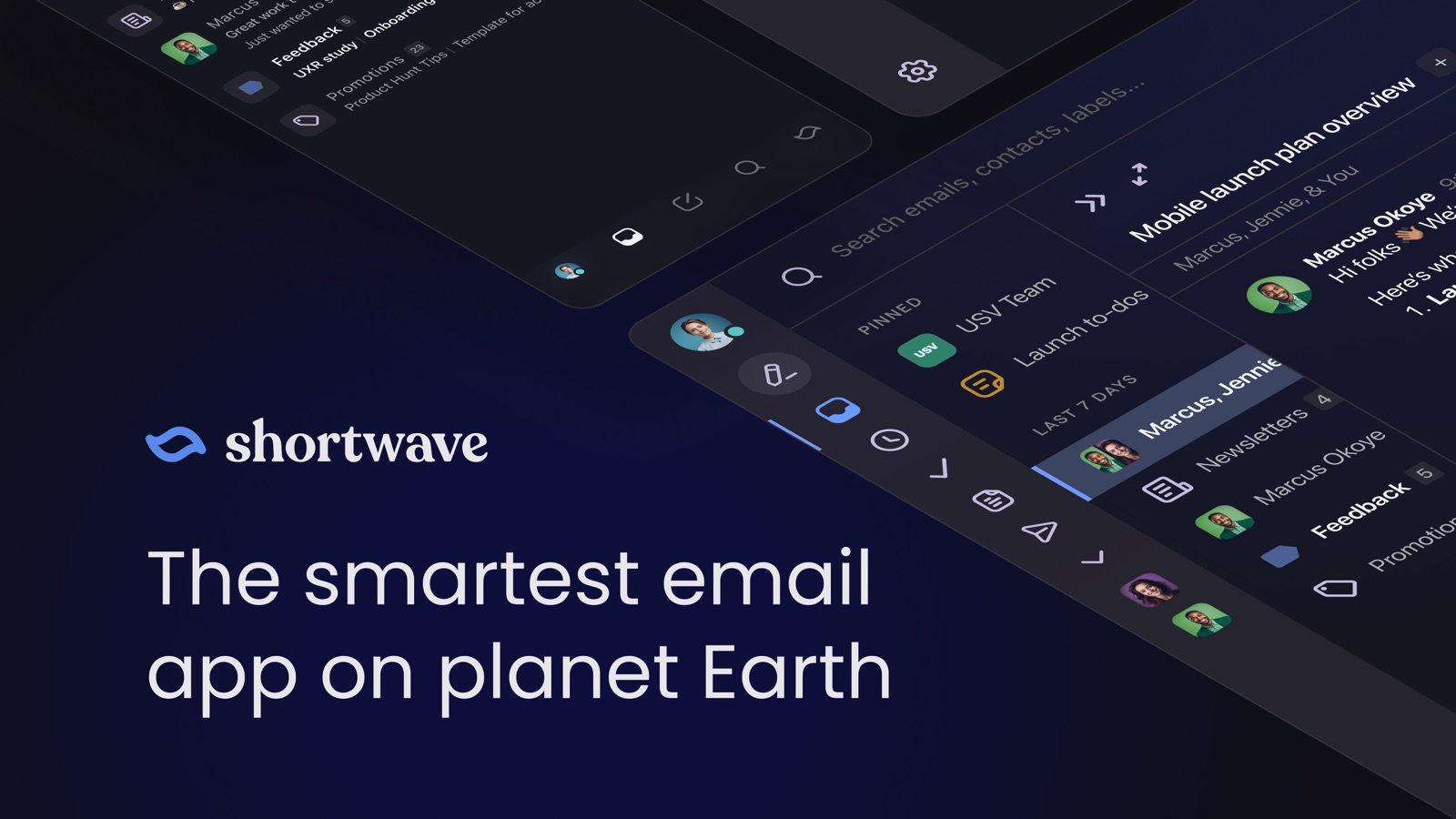
Shortwave is an AI-powered email client built on top of Gmail and Google Workspace. It replaces the default Gmail interface with a faster, smarter experience that uses artificial intelligence for everything from triaging your inbox to writing replies that sound like you actually wrote them.
Founded by former Google engineers (including people who worked on Google Inbox), Shortwave launched with a simple premise: email hasn't changed in 20 years, and AI can fix that.
Here's what sets it apart from generic "AI email assistants" that just bolt a chatbot onto your inbox. Shortwave doesn't just summarize emails or suggest canned responses. It learns your writing style, understands the context of your conversations, and automates the repetitive parts of email while keeping you in control of the important stuff.
For solopreneurs, that's a game-changer. You don't have an executive assistant. You don't have a team filtering messages for you. Shortwave acts like that missing layer between you and your inbox.
Ghostwriter: AI That Actually Sounds Like You
The feature that gets the most attention - and deserves it - is Ghostwriter. This isn't a generic AI writing tool that produces bland, corporate text. Ghostwriter analyzes your sent emails to learn your specific writing voice: your tone, your word choice, your signature phrases, even the way you structure replies.
When you get an email that needs a response, Shortwave can generate a draft that sounds authentically like you. Not like ChatGPT. Not like a template. Like you.
Here's how to get the most out of it:
Step 1: Use Shortwave normally for 1-2 weeks. Send replies manually.
Step 2: Ghostwriter analyzes your sent folder to learn your patterns.
Step 3: When you see "AI Draft" on incoming emails, tap to see the suggested reply.
Step 4: Edit lightly if needed, then send. The more you use it, the better it gets.
For solopreneurs who write dozens of client emails every day, Ghostwriter alone can save 30-60 minutes. The key difference from other AI writing tools is that it's trained on YOUR data, not generic internet text. So when you respond to a client asking about project timelines, the tone matches how you'd actually handle that conversation.
You can also use instant AI replies - one-tap draft responses that Shortwave generates for quick messages like confirmations, scheduling responses, and follow-ups. These are the emails that eat your time not because they're hard to write, but because there are so many of them.
AI Search That Understands What You Actually Mean
If you've ever tried to find a specific email in Gmail, you know the pain. You remember the conversation was about "that budget thing Sarah mentioned last month," but Gmail needs exact keywords to find it.
Shortwave's AI search uses Retrieval-Augmented Generation (RAG) technology to understand natural language queries. You type what you're looking for in plain English, and Shortwave finds it.
Try these search queries:
"What did the client say about the logo revisions last week?"
"Find all invoices from March that haven't been paid"
"Show me conversations where someone mentioned the Q2 launch timeline"
Each of these would be nearly impossible to find with traditional keyword search. Shortwave understands the intent behind your query and surfaces the relevant emails - even if the exact words you used don't appear in the messages.
For solopreneurs juggling multiple clients and projects, this is transformative. Instead of scrolling through hundreds of emails trying to remember who said what, you just ask. The AI does the digging.
Smart Inbox Organization With AI Bundles
One of Shortwave's most underrated features is how it organizes your inbox. Instead of showing you a chronological list of every message, Shortwave uses AI to automatically group related emails into bundles.
Newsletter subscriptions get bundled together. Notifications from tools like Stripe, GitHub, or Notion get grouped. Client conversations stay organized by thread. And the emails that actually need your attention float to the top.
You can customize this with tabs for different categories:
Tab setup for solopreneurs:
- "Priority" → Emails from clients and hot prospects
- "Money" → Invoices, payment notifications, Stripe alerts
- "Updates" → Tool notifications, shipping updates, subscriptions
- "Later" → Newsletters, promotions, non-urgent reads
This isn't just about organization - it's about reducing decision fatigue. When you open your inbox and see 47 unread messages, your brain has to process each one to decide what matters. Shortwave makes that decision for you, so you can focus your energy on the emails that actually move your business forward.
Tasklets: Connect Your Inbox to Your Entire Workflow
The newest addition to Shortwave is Tasklets - an automation platform that connects your inbox to the tools you already use. Think of it as lightweight Zapier that lives inside your email.
Tasklets let you create automations triggered by incoming emails. When a specific type of email arrives, Shortwave can automatically create a task in Asana, post a message in Slack, update a record in HubSpot, or add a note in Notion.
Here are some practical Tasklet setups for solopreneurs:
Tasklet 1: When a new client inquiry arrives → Create a task in your project management tool + send an auto-acknowledgment reply
Tasklet 2: When a payment notification from Stripe arrives → Log it in your tracking spreadsheet + move the email to "Processed"
Tasklet 3: When a specific client emails → Flag as priority + send you a push notification on mobile
For solopreneurs, the power of Tasklets is that they eliminate the manual work of moving information between your inbox and your other tools. Every time you read an email and then manually copy information into another app, that's wasted time. Tasklets handle the transfer automatically.
Pricing: Is Shortwave Worth It for Solopreneurs?
Let's talk money, because this matters when every dollar counts.
Shortwave offers a free plan that includes Smart Bundles, AI summaries, and basic inbox features. The catch is that all outgoing emails include a "Sent with Shortwave" signature, which isn't ideal for client-facing communication.
The Business plan at $9 per month (billed annually) unlocks the full AI feature set: unrestricted Ghostwriter, AI search, AI summaries, and team inboxes. This is the sweet spot for most solopreneurs.
The Pro plan at $14 per month adds advanced features like priority support and extended AI capabilities.
There's also a Max plan at $100 per month for power users who need the highest limits on AI usage.
Here's the honest math: if Shortwave saves you 30 minutes per day on email - and based on user reviews, that's conservative - that's 2.5 hours per week. At even $50/hour (and most solopreneurs should be valuing their time higher), that's $125 in reclaimed time per week for a $9/month tool.
The ROI is hard to argue with.
Important limitation to know: Shortwave only works with Gmail and Google Workspace accounts. If you're on Outlook or Microsoft 365, this tool isn't available to you yet. That's a significant drawback, but if you're already in the Google ecosystem, it's a non-issue.
How Shortwave Compares to Superhuman and Gmail
You might be wondering how Shortwave stacks up against Superhuman, the other premium email client that's been popular with founders and executives.
Superhuman is fast and beautifully designed, and it's added AI features over the past year. But it starts at $30/month and has historically focused more on speed and keyboard shortcuts than deep AI integration.
Shortwave leads on AI capabilities - Ghostwriter's voice matching, natural language search, and Tasklets automation are ahead of what Superhuman offers. And at $9/month for the Business plan, it's a third of the price.
Standard Gmail is free and functional, but it lacks the AI-powered triage, smart organization, and Ghostwriter capabilities that make Shortwave so effective. Gmail's built-in AI features (like Smart Compose) are basic by comparison.
For solopreneurs specifically, Shortwave hits the best balance of price, AI capability, and practical usefulness. You're getting enterprise-level email intelligence at a price point that makes sense for a one-person operation.
FAQ
Does Shortwave work with Outlook or Microsoft 365? No. As of April 2026, Shortwave only supports Gmail and Google Workspace accounts. If your business email runs on Microsoft, you'll need to wait for Outlook support or explore alternatives like Copilot for Outlook.
Is my email data safe with Shortwave? Shortwave processes email data to power its AI features, but the company states that they don't use your data to train models for other users. Your Ghostwriter profile is unique to your account. They are SOC 2 compliant and use encryption for data in transit and at rest.
Can I use Shortwave on my phone? Yes. Shortwave has native iOS and Android apps with full AI capabilities, including Ghostwriter drafts and AI search. The mobile experience is well-designed and fast.
How long does Ghostwriter take to learn my writing style? Most users report that Ghostwriter starts producing noticeably accurate drafts after about one to two weeks of regular use. The more emails you send through Shortwave, the better it gets at matching your voice.
Can I turn off AI features and use Shortwave as a regular email client? Yes. All AI features are optional. You can use Shortwave purely for its speed, organization, and bundling features without ever touching the AI drafting or search tools.
The Bottom Line
Email is the one productivity bottleneck that almost every solopreneur complains about but few actually fix. Shortwave is the best tool available right now to change that - not by adding another AI chatbot to your workflow, but by making your email client itself intelligent.
Ghostwriter drafts replies in your voice. AI search finds any conversation in seconds. Smart Bundles organize your inbox without you lifting a finger. And Tasklets automate the busywork of moving information between email and your other tools.
At $9/month for the Business plan, it's one of the highest-ROI investments a solopreneur can make in 2026. The only real dealbreaker is the Gmail-only limitation - but if you're already on Google, there's no reason not to try the free plan today and see what two hours of reclaimed time feels like.
Check out our digital products for AI prompt packs and automation templates that pair perfectly with tools like Shortwave to supercharge your entire workflow.
Want more AI tool deep dives and productivity strategies delivered to your inbox every week? Drop your email below and join the AI Productivity Daily newsletter - zero fluff, all signal.
One AI workflow, every weekday.
Tutorials, tool reviews, and automation playbooks for solopreneurs running on AI. Short, useful, and free. Unsubscribe anytime.
No pitch. No upsell. One quick AI workflow per weekday.