
The Solopreneur's Guide to AI Email Automation: Clear Your Inbox and Never Drop a Lead in 2026
What Every Solopreneur Needs to Know About AI Email Automation
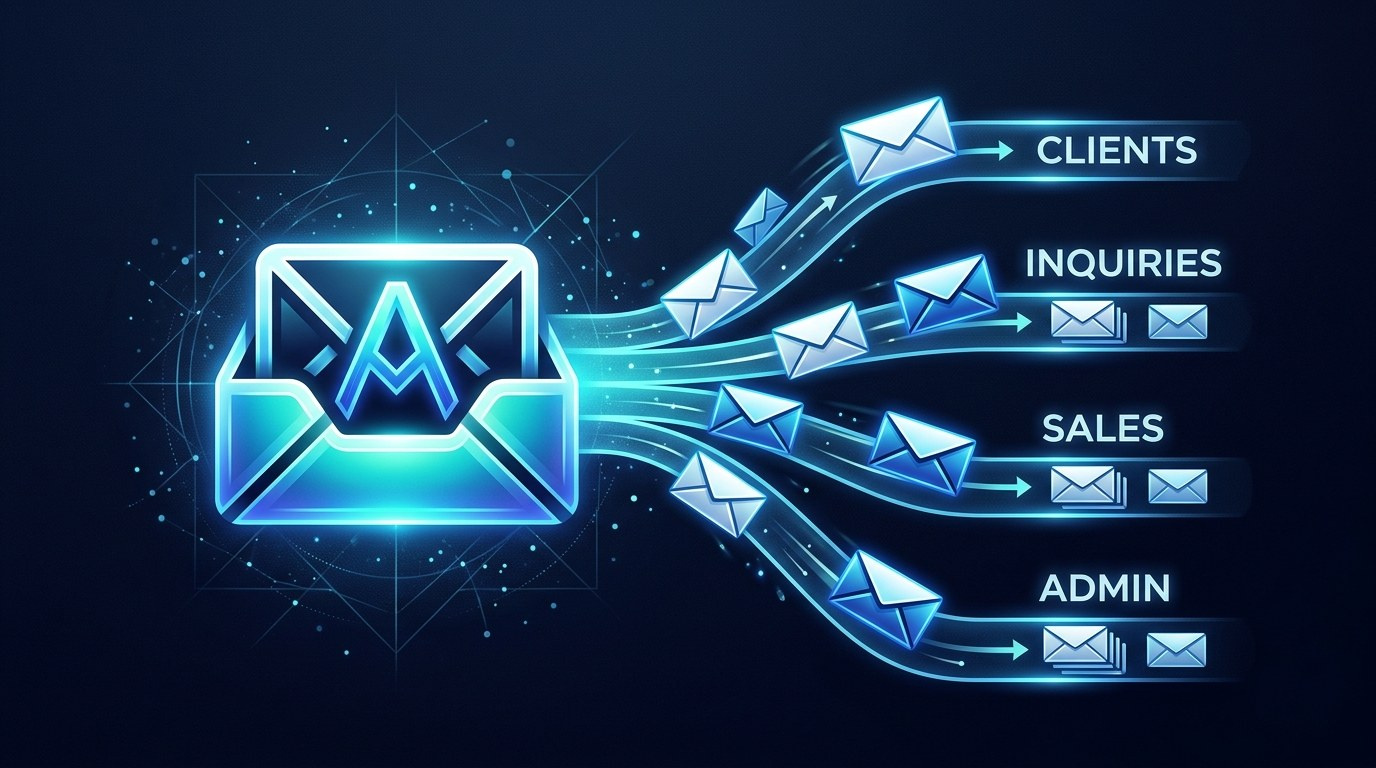
You are not behind on email because you are disorganized. You are behind because you are the only person in the building, and every message — a hot lead, a vendor invoice, a newsletter, a client asking for a fourth revision — lands in the exact same box with the exact same urgency signal, which is to say none.
Here are the pieces of an AI email system worth building:
- Triage and labeling — sorting by intent, not sender
- Draft generation — first-pass replies in your voice
- Lead capture and routing — inquiries pushed to a CRM or sheet
- Follow-up sequencing — nudges that fire without you remembering
- Summarization — long threads compressed to decisions
- Escalation rules — the handful of things that must reach you today
And here is what you have to weigh before you automate anything:
- How much sending authority you are willing to hand over
- Whether your tool reads your whole mailbox or only what you point it at
- Data privacy — especially with client contracts and health or financial info
- The cost of a wrong automated reply versus the cost of a slow one
- How much setup time you can actually spare this month
- What happens when the automation breaks and you don't notice
By the end of this guide you will know which layer of email automation to build first, which to skip, and how to set it up so the system drafts and sorts while you keep final say on anything that goes out with your name on it.
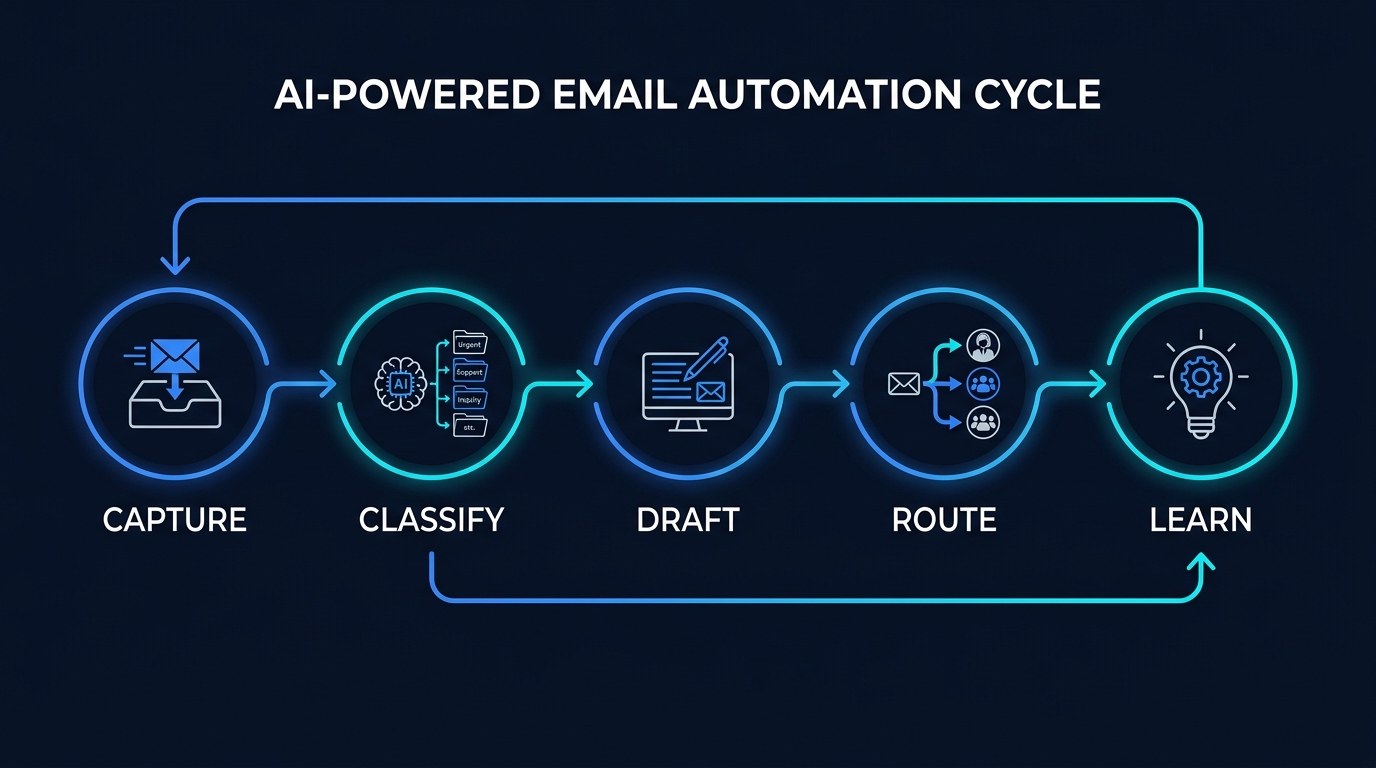
AI Productivity Daily, a resource for solopreneurs and small business owners using AI to save time and grow, has tracked and tested inbox automation tools across two years of model releases and connector launches. In this guide, I'll walk you through the five-stage automation cycle, the two competing approaches to building it, and the specific rules that keep a leaky inbox from costing you revenue.
The Core Capabilities of AI Email Automation
The email landscape shifted in a specific way heading into 2026: the intelligence moved inside the mailbox. Where 2023-era automation meant bolting a third-party rules engine onto Gmail, the major providers now ship native AI triage, thread summarization, and reply drafting as default features, and connector protocols let assistants read and act on mail directly. McKinsey's long-cited estimate that knowledge workers spend roughly 28% of the workweek on email has aged into something worse for solo operators, who have no one to delegate the other 72% to either.
That changes the build order. You are no longer choosing between "manual" and "automated." You are choosing which layer of automation you own and which you let your mail provider handle for free.
Triage and Classification
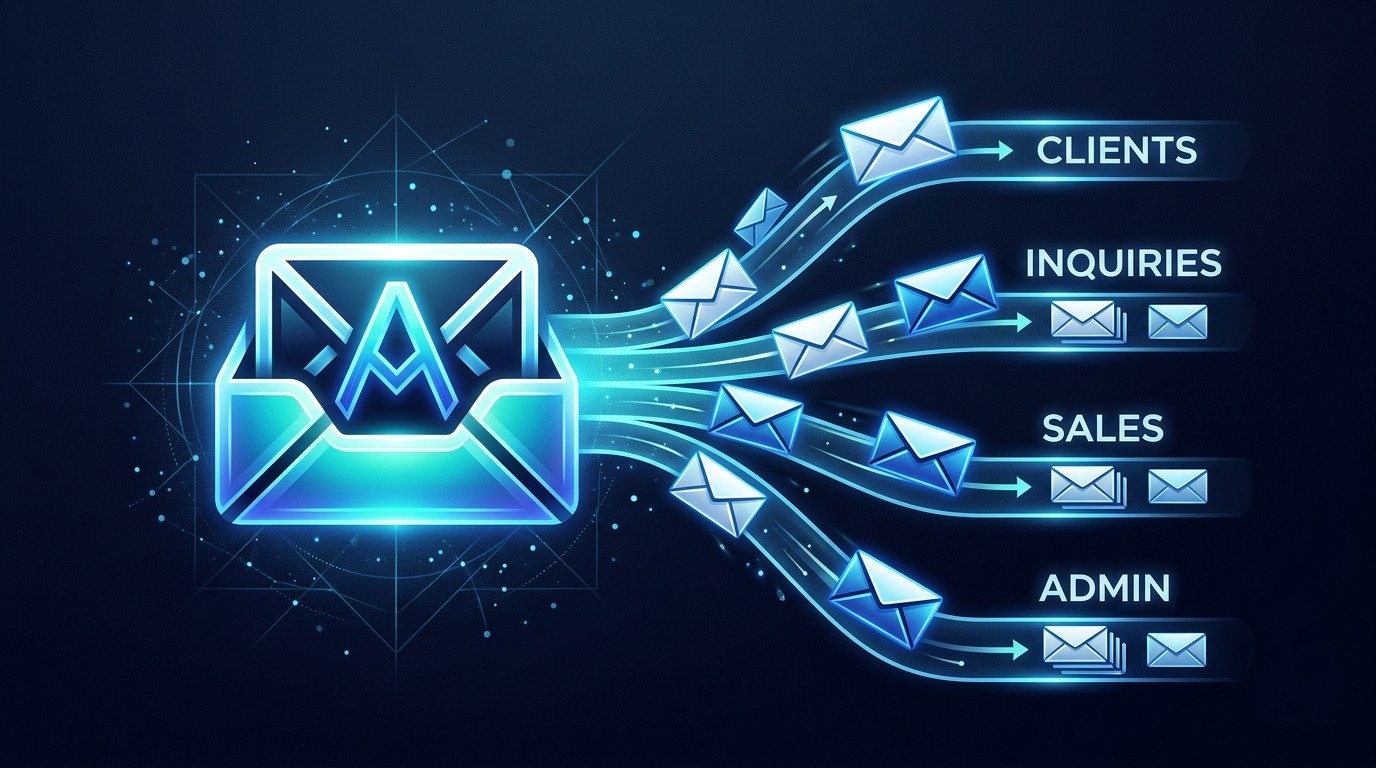
Triage is the highest-leverage automation because it is the cheapest to get wrong. A misfiled newsletter costs you nothing. A misfired reply costs you a client. Classification is a read-only operation, which makes it the correct first automation for anyone nervous about handing over control.
What to look for in a triage layer:
- Intent-based rules, not sender-based — "asks for a quote" beats "from gmail.com," because your best leads arrive from addresses you have never seen
- Confidence thresholds — the system should be able to say "unsure, leave it in the inbox" rather than guessing
- Multi-label output — one message can be both a lead and an invoice question
- A visible audit trail — you need to see what got labeled and why, or you will never trust it
Get triage right and your inbox stops being a flat list and starts being a queue with a shape. That alone recovers the twenty minutes a morning you currently spend deciding what to look at.
Drafting and Response Generation
Drafting is where the time actually comes back. A reply you edit in forty seconds is functionally free compared to one you compose from a blank cursor at 9pm.
The notable shift in 2026 is that drafting quality now depends more on context access than on model quality. An assistant that can read your last six threads with a client, your pricing page, and your standard terms produces a usable draft on the first try. One that only sees the incoming message produces something polite and useless. This is why connector-based setups have pulled ahead of standalone writing tools.
The practical benefit for a solopreneur is narrower than "AI writes my email" and more valuable: it eliminates the cold start. You are no longer deciding how to say something, only whether the draft is right. That turns email from creative work into review work, and review work fits in the gaps between real tasks.
How to Choose the Right Email Automation Approach for Your Business
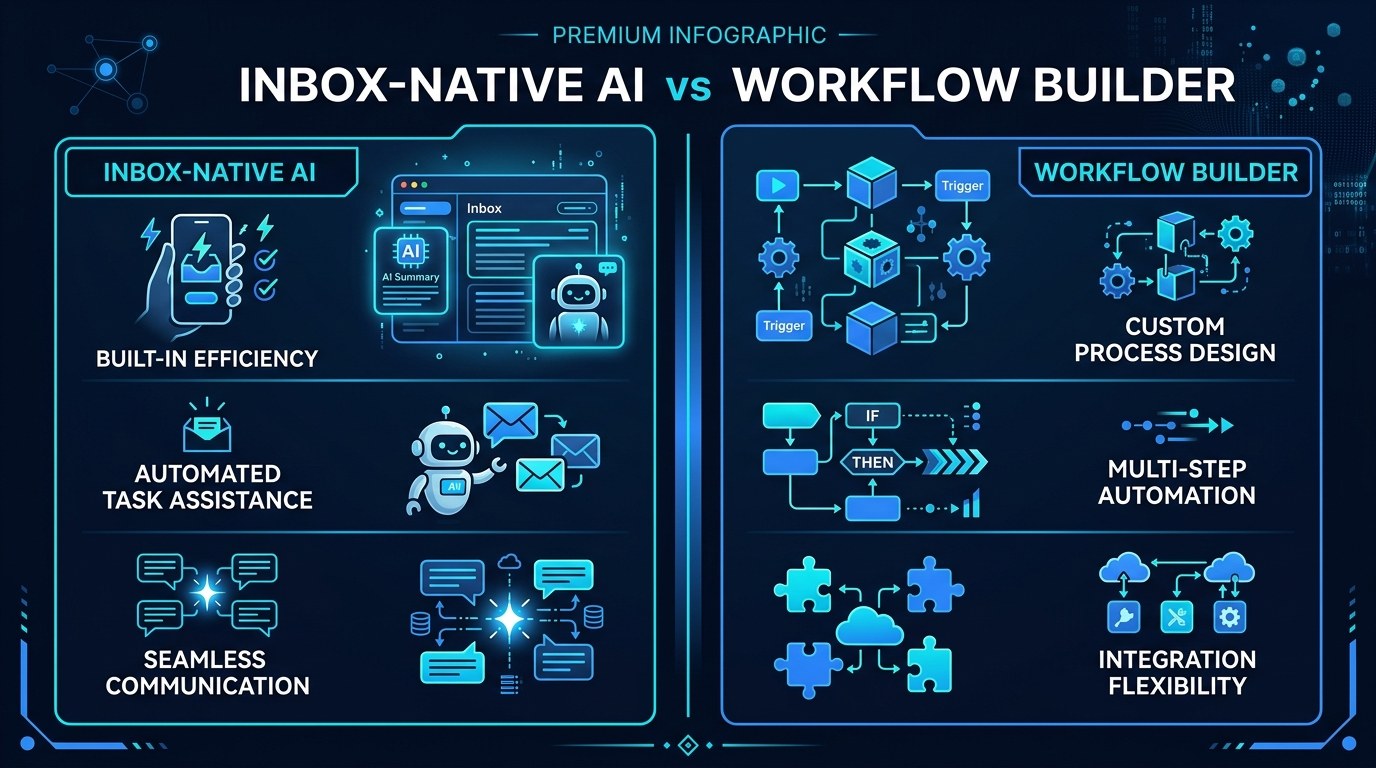
| Approach | Key Quality | Strengths | Best For | |---|---|---|---| | Inbox-native AI (Gmail, Outlook built-ins) | Zero setup | Free or bundled, no data leaves your provider, works day one | Anyone starting out; solopreneurs under 100 emails/day | | AI assistant with mail connector (Claude, ChatGPT connectors) | Best drafting quality | Reads full context, handles nuanced replies, summarizes threads on demand | Consultants and service businesses with long client threads | | Workflow builder (Zapier, Make, n8n) | Full control | Multi-step routing, CRM sync, conditional logic, scheduled follow-ups | Anyone whose leads must land somewhere other than the inbox | | Dedicated inbox tool (Superhuman, Shortwave, Fyxer-class) | Speed and polish | Purpose-built triage UX, keyboard-first, strong auto-labeling | High-volume inboxes where minutes per message matter | | Custom script + API | Cheapest at scale | Runs for pennies, exactly your logic, no vendor lock-in | Technical solopreneurs already comfortable with an API key |
If you only build one thing this quarter, build the workflow-builder layer for lead capture — not the drafting layer. Drafting saves you time on email you were going to answer anyway. Lead routing saves you the deals you never saw. A single inquiry that fell through the cracks usually costs more than a year of any tool on this list, and unlike drafting quality, routing is deterministic: if the rule fires, the lead lands.
"What if the AI sends something embarrassing?" — Practical Tips
This is the right fear, and the fix is structural rather than a matter of better prompting.
- Keep send authority manual for the first 30 days. Let the system draft and label only. Review every draft before it goes. You will catch the failure patterns within two weeks.
- Whitelist auto-send to exactly one category — usually scheduling confirmations or receipt acknowledgments. Nothing with a price, a date commitment, or an apology in it.
- Write a hard block list into the rules: never auto-reply to anything containing legal, refund, cancel, invoice dispute, or a new sender's first message.
- Add a 10-minute delay on every automated send. It costs nothing, feels instant to the recipient, and gives you one window to pull a bad message back.
Start with the free tools at aiproductivitydaily.com/free-tools before you pay for anything — most solopreneurs discover their provider already does half of this.
Assist Mode vs. Autonomous Mode — Understanding the Difference
Assist mode means the AI prepares and you approve: it labels, summarizes, and drafts, but every outbound action needs a human click. Autonomous mode means the AI acts on defined triggers without asking — sending the confirmation, logging the lead, firing the day-three follow-up.
The choice is not about trust in the model. It is about the cost of a mistake in that specific category. Reversible, low-stakes, high-volume actions belong in autonomous mode. Anything that touches money, commitments, or a first impression stays in assist mode, permanently. Most working systems run both at once, split by category rather than by tool.
AI Email Automation for Every Stage of Your Business
- Pre-revenue and side-hustle stage. Volume is low and every message matters. Use inbox-native AI for labeling, nothing else. Your bottleneck is leads, not email.
- First clients, unpredictable volume. This is where things break — you are delivering work and answering inquiries in the same hour. Add lead routing and one follow-up sequence. Keep drafting manual.
- Booked out and referral-driven. Now email is genuinely a tax on delivery time. Add an assistant with full mailbox context for drafting, plus autonomous handling of scheduling and confirmations.
Beginner vs. Advanced Options
Where you start depends on volume and how much of your revenue arrives by email.
- Free tier — provider built-ins. Gmail and Outlook AI labeling, summarization, and smart reply. Right for anyone under roughly 50 messages a day, and the correct starting point even if you plan to go further, because it tells you which categories actually dominate your inbox.
- Paid tier — assistant connector or dedicated inbox tool (~$20–40/month). The meaningful upgrade is context: full thread history, your documents, your prior replies. Benefits service businesses most, where a single well-drafted reply can be worth hundreds.
- Advanced tier — workflow builder plus CRM (~$50–100/month combined). Justified when leads must reach a system rather than a person, when you need multi-step conditional follow-up, or when you're coordinating with a contractor or VA who needs the same view you have.
Customization and Workflow Integration
The 2026 pattern worth copying is narrow, documented automations rather than one general assistant told to "handle email." Specific triggers with specific actions are debuggable; a vague instruction to be helpful is not.
Three ways to tailor a setup to how you actually work:
- Feed it your voice deliberately. Paste 5–10 of your own real replies into the system prompt or knowledge base. Drafts stop sounding like a press release.
- Route by outcome, not by folder. Ask "what needs to happen to this message?" — reply, log, schedule, pay, ignore — and build one automation per outcome.
- Set a weekly review trigger. A Friday summary of what got auto-labeled, auto-sent, and skipped. Ten minutes, and it's the only thing that keeps a stale ruleset honest.
Why This Matters for Solopreneurs Running Lean in 2026
If you have avoided this so far, the hesitation is usually reasonable: you have heard about someone's assistant emailing a client something wrong, and you would rather be slow than sorry. That instinct is correct and it does not require you to skip automation — it requires you to automate the reading side aggressively and the sending side conservatively. Nearly all the time savings live on the reading side anyway.
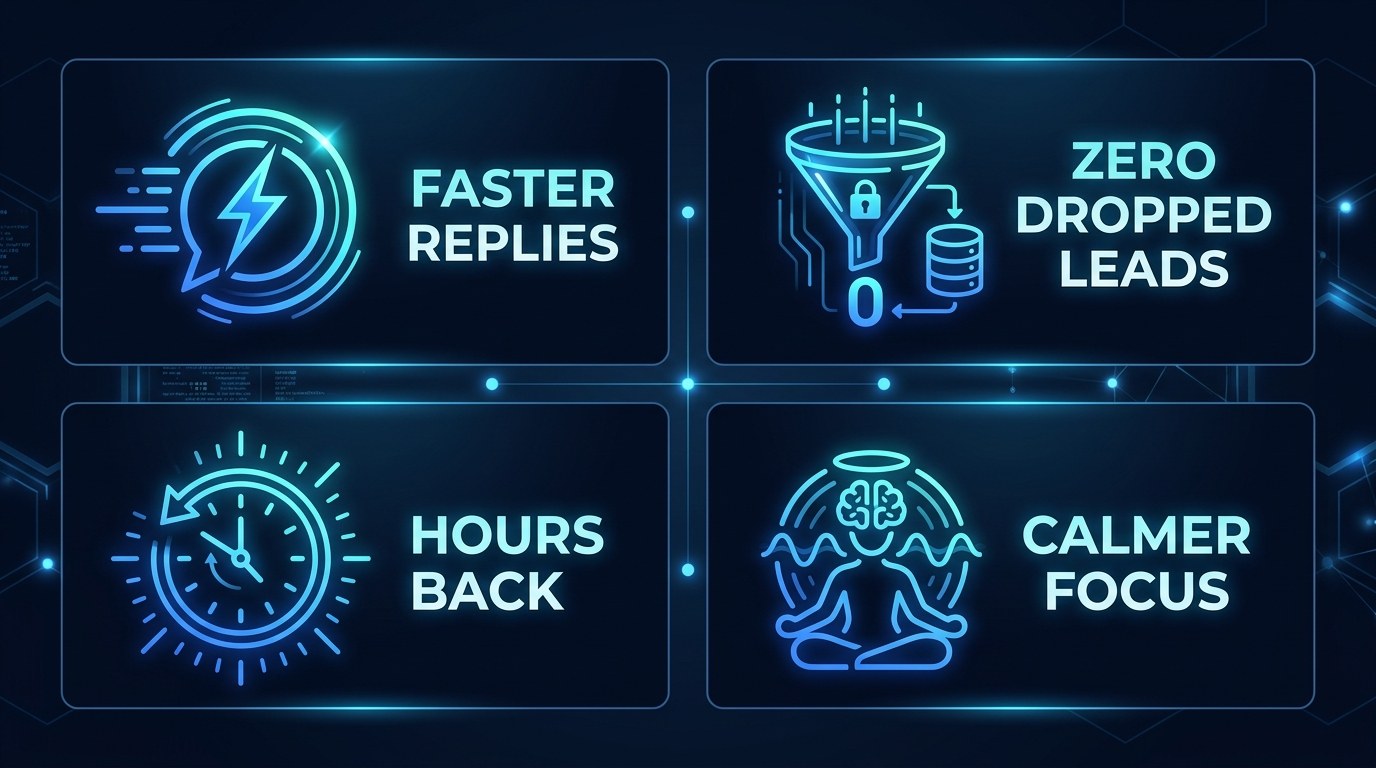
What you actually get from a properly split system:
- Reading time drops the most. Triage plus summarization is where the bulk of recovered hours come from, and it carries almost no downside risk.
- Response time becomes consistent rather than dependent on whether you happened to open the inbox that afternoon.
- Leads stop evaporating. Deterministic routing means an inquiry lands somewhere whether or not you were paying attention.
- The inbox stops setting your agenda. When messages arrive pre-sorted, you open email on your schedule instead of being pulled into it.
Getting the Most Out of AI Email Automation
- Automate your three highest-volume categories only. Spend an hour labeling a week of mail by hand first. The top three almost always account for the majority of your volume, and everything past them is a waste of setup time.
- Write your rules as if handing them to a new assistant. "Flag anything asking about price or availability, draft a reply using the rates page, do not send" is a workable instruction. "Handle sales emails" is not.
- Log every automated action to a spreadsheet or channel you actually see. Silent automation is how a broken workflow runs unnoticed for three weeks.
- Re-read your rules quarterly. Your offers, prices, and clients change; rules written for last year's business quietly start producing wrong answers.
If your calls are also eating the day, the same split-authority logic applies to AI meeting automation — and if you want to start with the routing layer specifically, the Zapier AI automation guide covers the trigger setup in detail.
Frequently Asked Questions About AI Email Automation
How do I start if I only have one hour?
Turn on your provider's built-in AI labeling and summarization, then create exactly one rule: any message asking about price, availability, or working together gets a label and a notification. That single rule protects revenue, and it takes about fifteen minutes. Spend the remaining time reading a week of your own sent mail to see which categories repeat.
What actually happens when I connect an AI assistant to my mailbox?
The setup is more mundane than it sounds:
- You authorize access through OAuth, the same flow any app uses — no password sharing
- You choose scope: read-only, read-and-draft, or read-and-send
- The assistant can then pull thread history on request rather than continuously monitoring
- You revoke access at any time from your provider's security settings, and the connection dies immediately
Start with read-and-draft. It covers nearly every useful case and can't send anything on your behalf.
Can I make the drafts sound like me rather than like a bot?
Yes, but not through instructions alone — telling a model to "be casual and warm" produces a recognizable AI voice. What works is examples: paste 5–10 of your own real replies, including the short blunt ones, into a reference document the assistant can read. Expect two or three rounds of correction over the first week before drafts stop needing rewrites, and re-add examples whenever you notice the tone drifting back toward generic.
Conclusion
The goal was never inbox zero. It was getting your attention back — being able to close the mail tab and trust that a lead won't rot in there while you do the work you actually get paid for. That is a solvable problem, and it's solvable this week, with rules that read aggressively and send carefully. You do not need a bigger team to stop losing messages. You need a system that reads first and asks you before it speaks.
Start with the free AI Morning Brief at aiproductivitydaily.com/free-tools — a daily digest of what's moving in AI, filtered for solopreneurs.
One AI workflow, every weekday.
Tutorials, tool reviews, and automation playbooks for solopreneurs running on AI. Short, useful, and free. Unsubscribe anytime.
No pitch. No upsell. One quick AI workflow per weekday.