
The Solopreneur's Guide to Zapier AI: Automate Your Busywork With AI Agents in 2026
What Every Solopreneur Needs to Know About Zapier AI
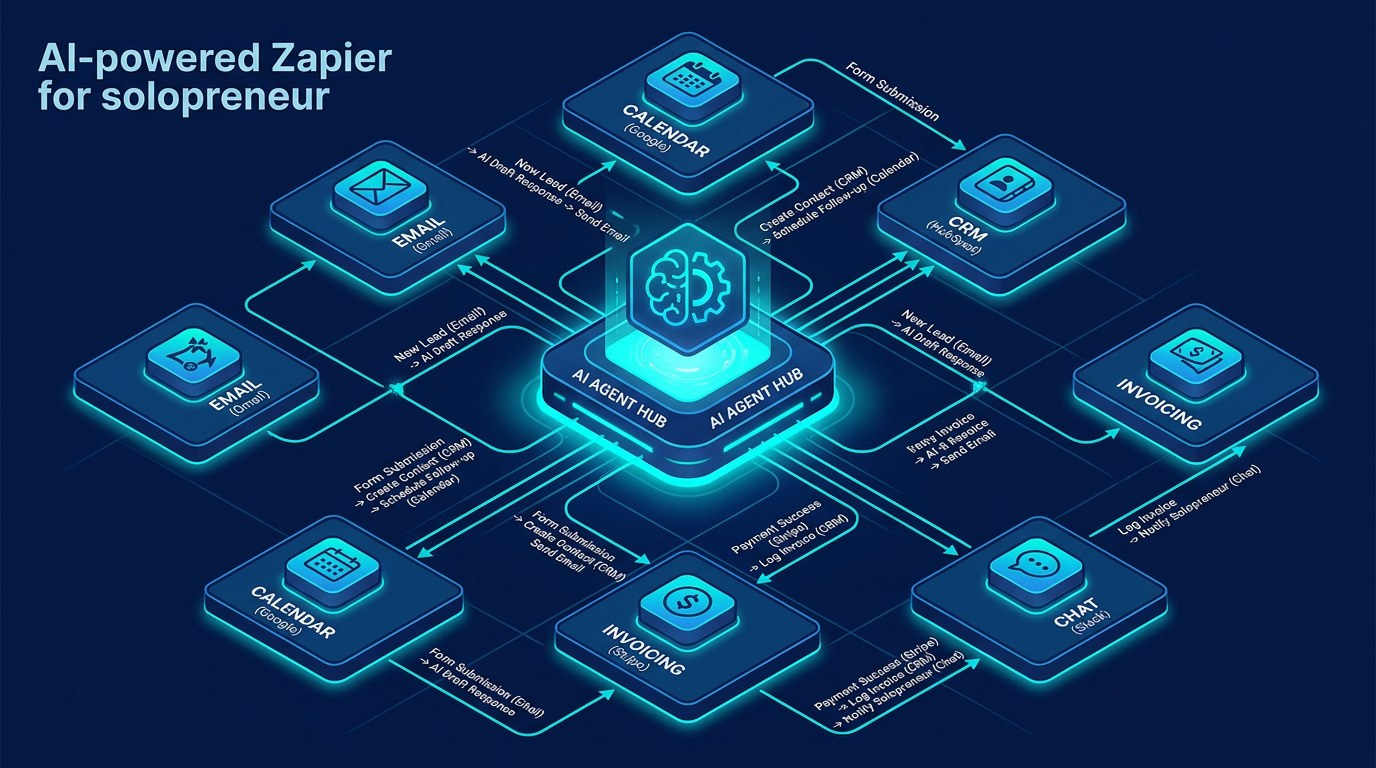
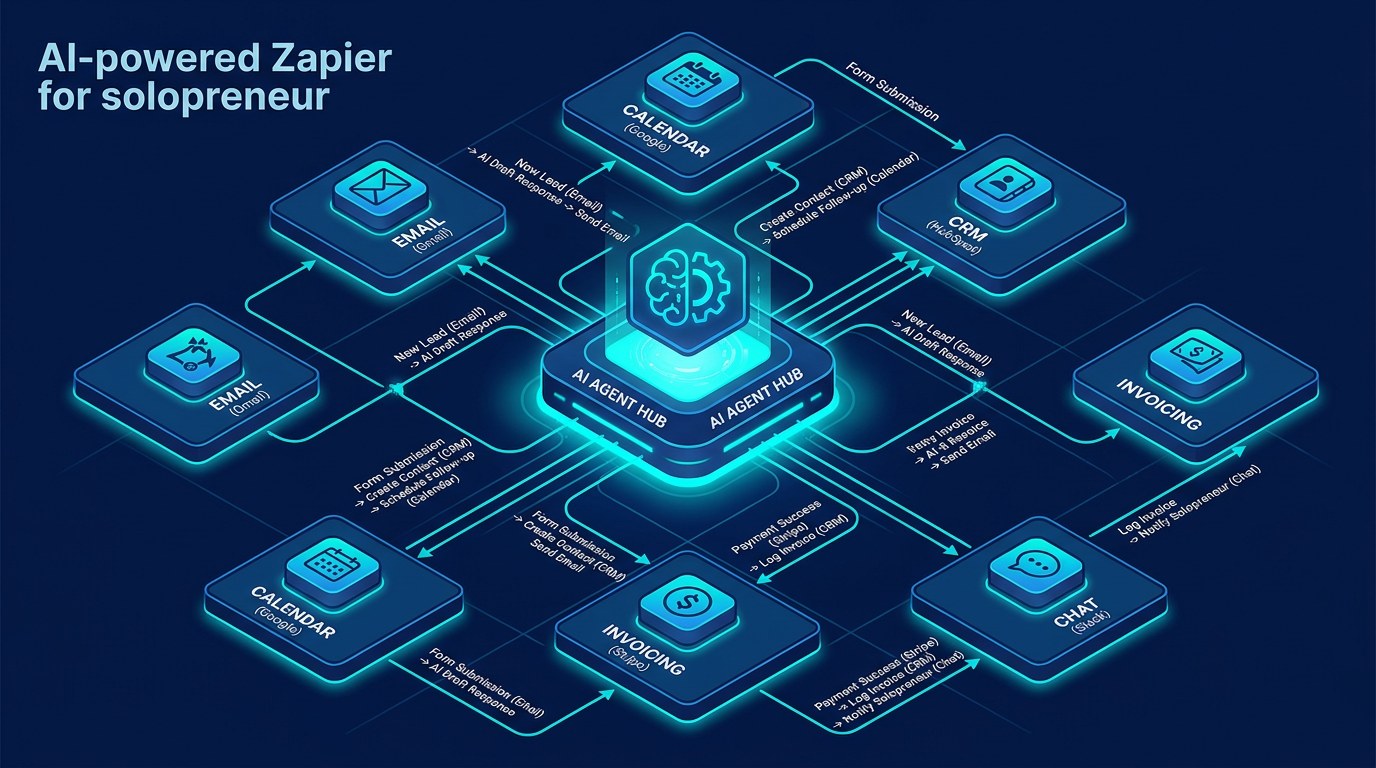
You didn't start your business to spend Tuesday morning copying form responses into a spreadsheet, then into your email tool, then into your invoicing app. But that's where the hours go - in the gaps between the tools you use every day. Zapier's AI features in 2026 are built to close those gaps for you, so the busywork runs itself while you do the work only you can do.
Here's what this guide covers:
- AI agents - autonomous helpers that decide and act
- AI by Zapier steps - drop AI into any workflow
- Zapier Copilot - build automations by describing them
- Chatbots and Interfaces - front-end tools customers touch
- Tables and Canvas - store and map your workflow data
Core considerations before you build:
- Which repetitive task actually costs you the most time
- How many apps a single workflow needs to touch
- Where a human still needs to approve before something sends
- What happens when an automation hits an error
- Whether your data is sensitive enough to need guardrails
- How much you're willing to pay per task as volume grows
By the end, you'll know which Zapier AI tool fits which job, how it stacks up against Make and n8n, and exactly where to start so you see time back this week.
AI Productivity Daily, a resource for solopreneurs and small business owners using AI to save time and grow, has tracked Zapier's shift from simple "if this, then that" plumbing into a full AI automation platform. In this guide, I'll break down what each piece does, when to use it, and how to launch your first AI workflow without writing a line of code.
The Core Building Blocks of Zapier AI
Zapier connects more than 8,000 apps, which is the practical reason it still wins for most solopreneurs: whatever odd tool you use, it's probably already supported. What changed heading into 2026 is that Zapier stopped being just a connector and became a place where AI does the thinking inside the workflow, not just the moving of data from A to B.
AI Agents - Your Always-On Assistant
Zapier Agents are the headline feature. Instead of mapping every step yourself, you give an agent a goal - "watch my inbox for new leads and draft a reply" - plus the tools it's allowed to use, and it decides how to get there. For a solo operator, that's the difference between automating one rigid task and handing off a whole responsibility.
What to look for when you set one up:
- Clear instructions - agents follow a written brief, so specificity wins
- Scoped tools - only connect the apps the agent truly needs
- Data sources - point it at a knowledge base so its answers stay accurate
- Approval checkpoints - keep a human in the loop for anything that sends
Used well, one agent can cover what used to take three or four separate Zaps - and it adapts when the input doesn't fit a tidy template, which is exactly where old-school automation used to break.
AI by Zapier and Copilot - Building Without the Learning Curve
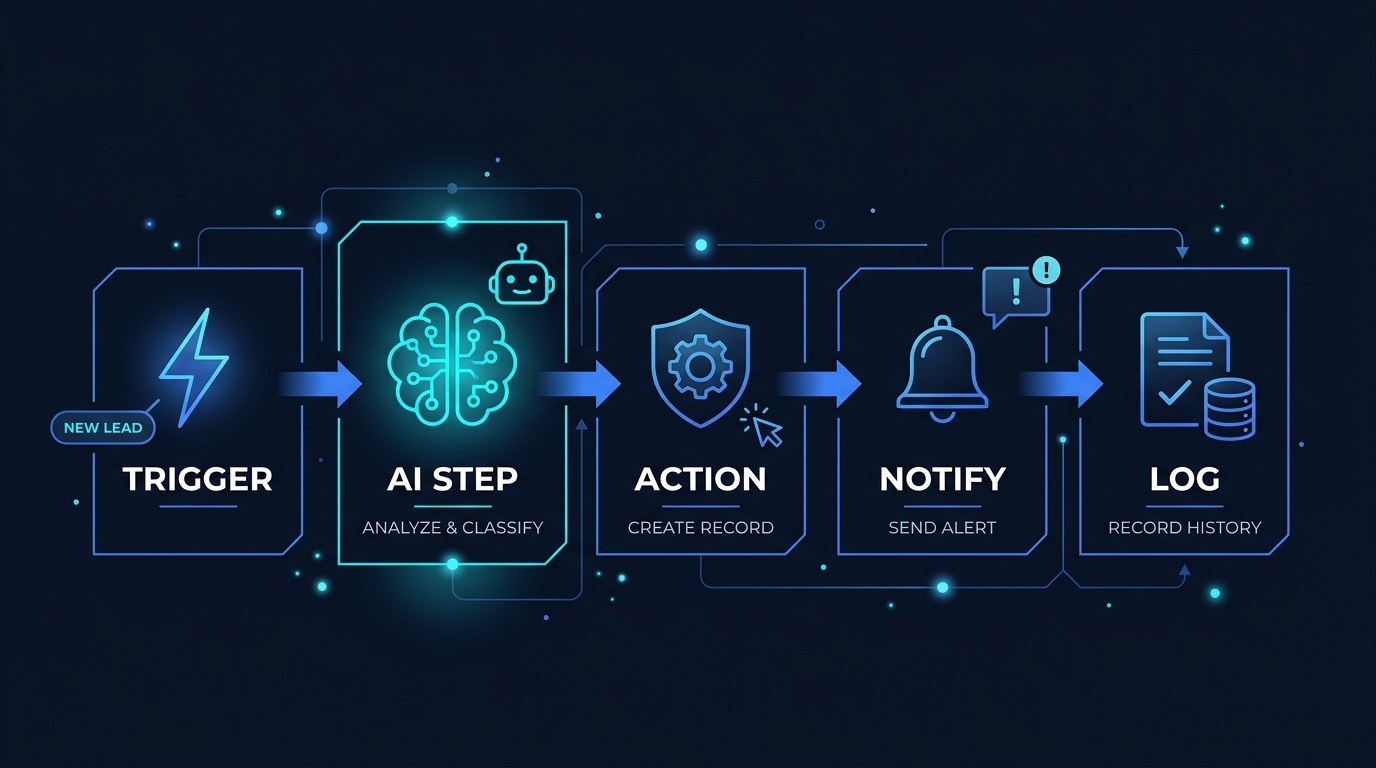
Two features lower the barrier even further. "AI by Zapier" lets you drop an AI step into any workflow to summarize, extract, classify, or rewrite text - no separate AI account and no API keys to manage. Zapier Copilot goes one step earlier: you describe the automation you want in plain English and it builds the draft for you.
The trend underneath both is that automation is becoming conversational. In 2026 you're less likely to drag boxes around a canvas and more likely to type what you want and refine from there. That shift matters most for solopreneurs, who rarely have a spare afternoon to learn a new builder from scratch.
The practical payoff: you can stand up a working automation in minutes instead of an afternoon, then improve it as you learn what your business actually needs from it.
How to Choose the Right Automation Tool for Your Business
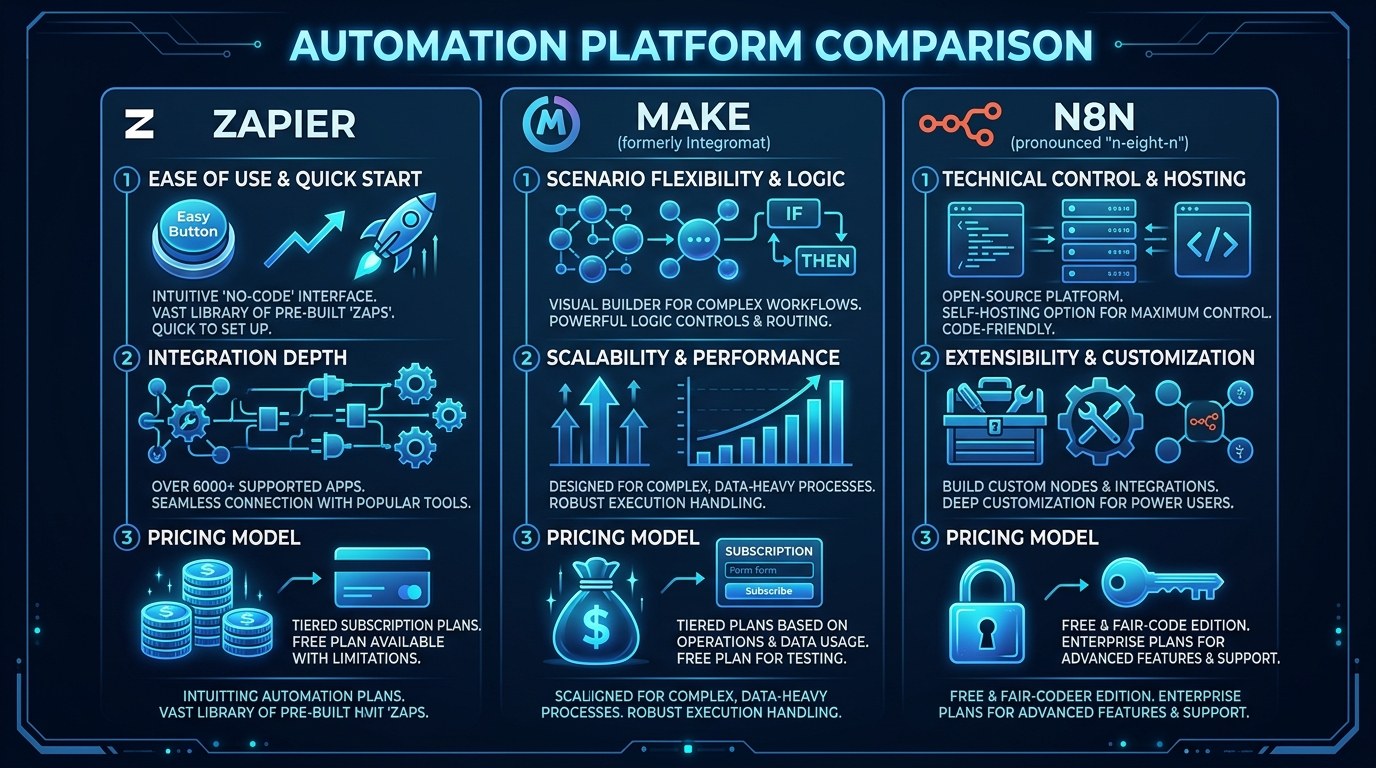
| Tool | Key Quality | Strengths | Best For | |---|---|---|---| | Zapier AI | Easiest to start | 8,000+ apps, AI agents, Copilot build, polished interface | Solopreneurs who want speed and the widest app support | | Make | Most visual control | Strong visual builder, cheaper at high volume, flexible logic | Operators who like seeing every branch and step | | n8n | Most control, lowest cost | Self-hostable, flat pricing, full code access | Technical users watching per-task costs closely | | Native AI assistants | No setup at all | ChatGPT or Claude with built-in tools, conversational | One-off tasks that don't need to run on a schedule | | Dedicated agent platforms | Most autonomous | Goal-based, multi-step reasoning, adapts to messy inputs | Whole responsibilities, not single tasks |
For most solopreneurs starting today, Zapier AI is the right first move - not because it's the cheapest (it isn't), but because the time you save in setup almost always outweighs the per-task cost in your first year. Cost optimization is a good problem to have once a workflow is proven; getting it live is the harder battle, and Zapier wins that one.
"What if I'm Not Technical Enough?" - Practical Tips
You don't need to be. Here's how to start small and build confidence:
- Pick one task you do at least 5 times a week - lead intake, invoice follow-up, or content cross-posting.
- Use Zapier Copilot to draft it: describe the task in one or two sentences and let it build the skeleton.
- Run it in manual mode for the first 3 days so you can see each result before it goes live.
- Add a single AI step - a summary or a draft reply - only after the basic version works reliably.
If you'd rather host your own automation once you outgrow the free tier, our guide to n8n AI automation walks through the budget-friendly route.
Agents vs. Zaps - Understanding the Difference
A classic Zap is a fixed recipe: this trigger, those exact steps, every single time. An agent is given a goal and the freedom to choose its steps within the tools you allow. Zaps are predictable and perfect for structured, repeatable tasks. Agents handle the messy middle - inputs that vary and decisions that depend on context.
The choice comes down to priorities. If the task is identical every time, a Zap is cheaper and more reliable. If the task needs judgment - "is this a real lead or just spam?" - an agent earns its keep.
Zapier AI for Every Stage of Your Business
- Just starting out: automate the few admin tasks stealing your focus - calendar bookings, welcome emails, saving attachments to your drive - so your limited hours go toward revenue.
- Growing past yourself: wire your tools together so a new lead flows from form to CRM to first email automatically, and nothing slips through while you're heads-down on delivery.
- Running lean at scale: let agents handle triage and first drafts across support, sales, and content, so you stay solo longer before you ever think about hiring.
Beginner vs. Advanced Options
Zapier's tiers map cleanly onto where you are:
- Free tier: two-step Zaps and a capped number of tasks each month - enough to automate one or two real workflows and prove the value before you pay anything.
- Paid plans: multi-step Zaps, AI steps, and a higher task ceiling - the right upgrade once an automation is saving you real hours and you want it running unattended.
- Agents and top tiers: autonomous, goal-based automation with the highest task limits - worth it when you're handing off entire responsibilities rather than single steps.
Customization and Workflow Integration
By 2026, the strongest setups aren't one giant automation - they're a few small, well-scoped ones that each do one job well. That modular approach is easier to debug and easier to trust when money or client relationships are on the line.
Ways to tailor Zapier AI to how you actually work:
- Filters and paths so an automation only fires on the inputs that matter
- AI steps mid-flow to classify, summarize, or rewrite before the next action runs
- Approval steps that pause and ask you before anything customer-facing sends
Why This Matters for Solopreneurs Running Lean in 2026
It's fair to be skeptical. Plenty of automation gets set up once, breaks quietly, and quietly wastes money for months. The fix isn't avoiding automation - it's automating the right things in small, observable pieces. Done that way, Zapier AI gives a one-person business the leverage of a small team without the payroll.
What you actually gain:
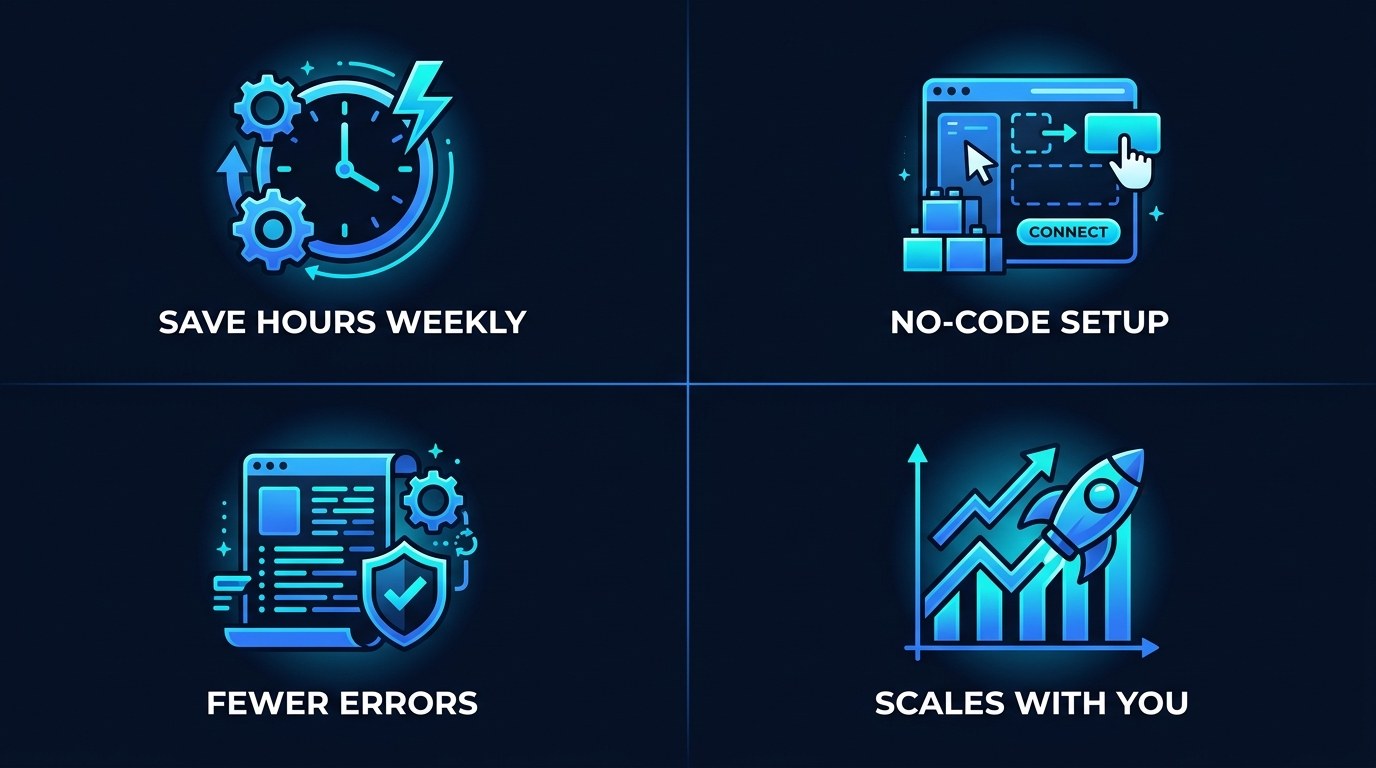
- Hours back every week from tasks that never needed you in the first place
- Fewer dropped balls because the handoffs between tools stop relying on your memory
- Faster response times that make a solo business feel bigger than it is
- Room to grow without the reflex to hire for work that software can already do
Getting the Most Out of Zapier AI
- Name every Zap and agent clearly - "Lead to CRM to Welcome Email" beats "Zap 14" when something breaks at 9pm.
- Turn on error notifications so a failed automation pings you instead of failing in silence.
- Keep agents on a short leash at first: limited tools, approval required, then loosen as trust builds.
- Review your task usage monthly - if one workflow is eating your task budget, that's your cue to compare a flat-priced option like Make for solopreneurs.
Frequently Asked Questions About Zapier AI
How do I start using Zapier AI if I've never automated anything?
Start with a single, high-frequency task and let Zapier Copilot build the first draft for you. Describe what you want in plain English, run it manually for a few days to confirm it behaves, then switch it on. You don't need any technical background to get a first automation live in an afternoon.
What's the difference between a Zap and a Zapier Agent?
Both automate work, but they think about it differently:
- A Zap follows fixed steps every time - best for predictable, repeatable tasks.
- An agent is given a goal and picks its own steps within the tools you allow - best for tasks that need judgment.
- Cost: Zaps are usually cheaper per run, while agents cost more but replace more.
- Rule of thumb: automate identical tasks with Zaps, and hand off variable responsibilities to agents.
Can I keep Zapier AI from sending something embarrassing on my behalf?
Yes - and you should. Add an approval step or run the automation in manual mode so you review each output before it goes out. For anything customer-facing, keep that human checkpoint in place until you've watched it produce good results for at least a couple of weeks. The AI drafts; you still decide.
Conclusion
Automation used to mean either learning to code or paying someone who could. In 2026, it means describing what you want and refining the result - a shift that finally puts a team's worth of leverage in reach of a one-person business. The busywork that's been quietly eating your week doesn't have to be yours to carry. Start with one task, watch it run, and let the time it gives back fund the next one.
Start with the free AI Morning Brief at aiproductivitydaily.com/free-tools - a daily digest of what's moving in AI, filtered for solopreneurs.
One AI workflow, every weekday.
Tutorials, tool reviews, and automation playbooks for solopreneurs running on AI. Short, useful, and free. Unsubscribe anytime.
No pitch. No upsell. One quick AI workflow per weekday.