
The Solopreneur's Guide to Claude AI: Write, Build, and Automate Your Whole Business in 2026
What Every Solopreneur Needs to Know About Claude AI
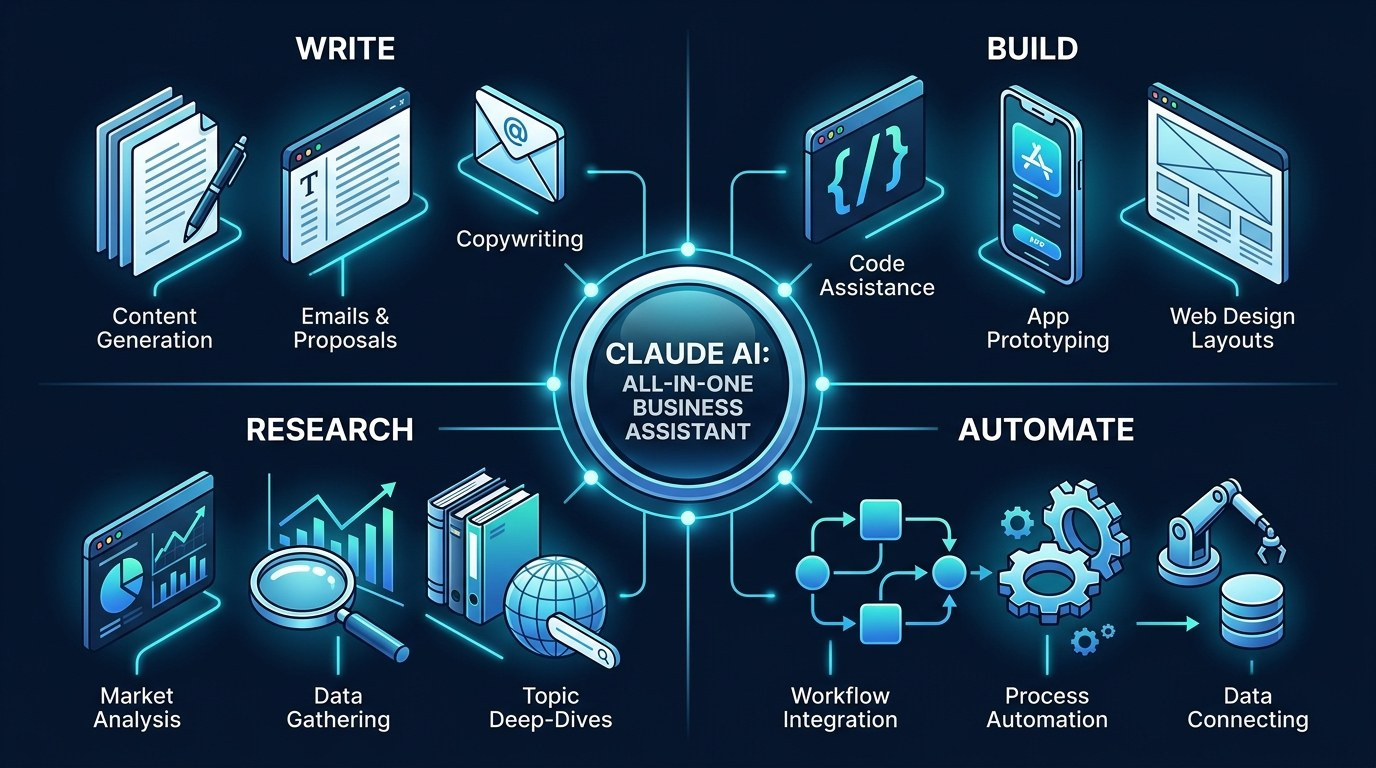
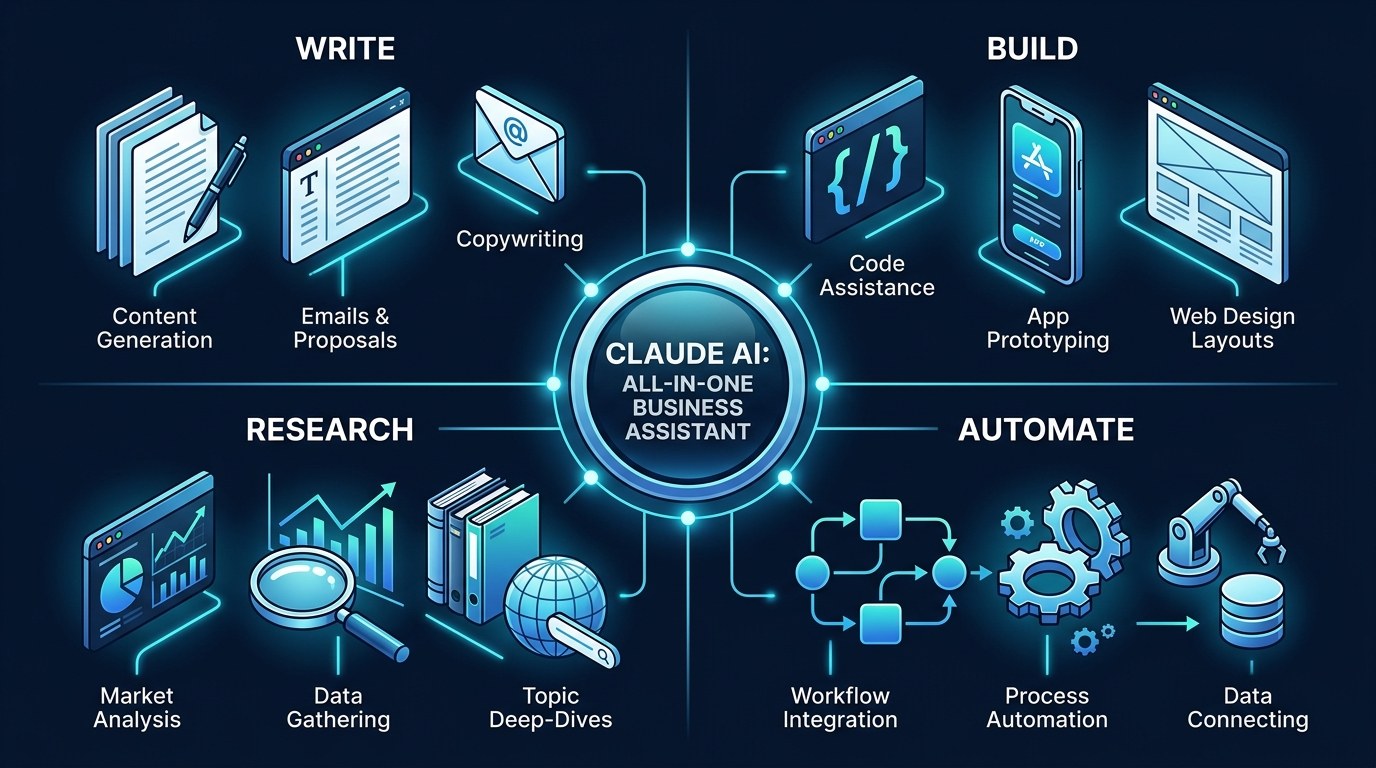
If you are paying for five different AI subscriptions and still copying text between them, you are doing more work than your tools are. Claude AI has quietly become the single assistant that can write your copy, build your tools, research your market, and reach into the apps you already use — all in one place.
Here is what this guide covers:
- Models and speed tiers — Opus, Sonnet, Haiku
- Projects and memory — context that persists
- Artifacts — live docs, apps, and dashboards
- MCP connectors — Claude that acts, not just chats
- Claude Code and agent workflows — hands-off automation
- Plans and setups — Free through API
And here is what you actually need to weigh before you commit:
- Which work you want to hand off first
- How much context Claude needs to be useful
- Whether you need Claude to act or just answer
- What you can safely connect to it
- Where it replaces a paid tool you already have
- How much review you want to keep in your hands
By the end, you will know exactly which Claude setup fits a one-person business — and how to put it to work this week.
AI Productivity Daily, a resource for solopreneurs and small business owners using AI to save time and grow, has tracked and tested Claude across real client work all year. In this guide, I will show you what Claude is genuinely good at, where it still needs a human, and how to set it up so it earns its keep.
The Core Capabilities of Claude AI
Claude is an AI assistant built by Anthropic. In 2026 it runs on a three-model lineup — Claude Opus 4.8 for the heaviest reasoning, Claude Sonnet 4.6 for everyday work, and Claude Haiku 4.5 for fast, cheap tasks. All of them read up to a 200,000-token context window, which in plain terms means you can hand Claude an entire contract, a quarter of emails, or a long transcript and it will hold the whole thing in mind at once.
That large memory is the part most solopreneurs underuse. Tools that forget what you told them three messages ago force you to repeat yourself. Claude is built to keep the thread, and that single difference is what turns it from a novelty into something you lean on daily.
What Claude Is Genuinely Good At
For a one-person business, four jobs stand out:
- Writing that sounds like you — feed it three samples of your voice and it stops sounding like a robot
- Building working tools — calculators, trackers, and simple apps, no code required
- Reading and summarizing — long PDFs, spreadsheets, and call notes turned into action
- Reasoning through decisions — pricing, positioning, and trade-offs, talked out loud
The point is not that Claude does any one of these perfectly. It is that it does all of them well enough that you stop switching tools — and switching tools is where solopreneurs quietly lose hours every week.
The Capability That Changed in 2026: Claude That Acts
For years, AI chat tools could only talk. The shift in 2026 is that Claude can now do things through the Model Context Protocol — an open standard Anthropic released to let AI connect directly to your apps. Connect your calendar, your docs, your inbox, or your project tracker, and Claude stops handing you instructions and starts taking the action itself.
For a solopreneur, that is the difference between an assistant who tells you what to write in an email and one who drafts it in your actual inbox. It is the single biggest reason Claude is worth a fresh look this year, even if you tried it in 2024 and shrugged.
How to Choose the Right Claude Setup for Your Business
Claude is not one product — it is a few, and picking the wrong entry point is the most common mistake. Here is how the main setups compare for a one-person business:
| Setup | Key Quality | Strengths | Best For | |---|---|---|---| | Claude Free | No-cost starting point | Daily writing, research, and Q&A on the Sonnet model | Testing whether Claude fits your workflow | | Claude Pro | Higher limits, more models | Projects, Artifacts, bigger workloads, Opus access | Most solopreneurs running day-to-day work | | Claude Max | Heavy daily usage | Highest limits, priority on the strongest models | Power users who live in Claude all day | | Claude Team | Shared workspace | Collaboration and shared Projects with contractors | Solopreneurs with a VA or small partner team | | Claude API / Claude Code | Build and automate | Wire Claude into your own tools and scripts | Tech-comfortable builders automating real work |
The single best move for most solopreneurs is to start on Claude Pro. It unlocks Projects and Artifacts — the two features that turn Claude from a chatbot into a workspace — without the complexity of the API. You can always graduate to Max or the API once you know exactly what you are automating.
"I Don't Know What to Hand Off First" — Practical Tips
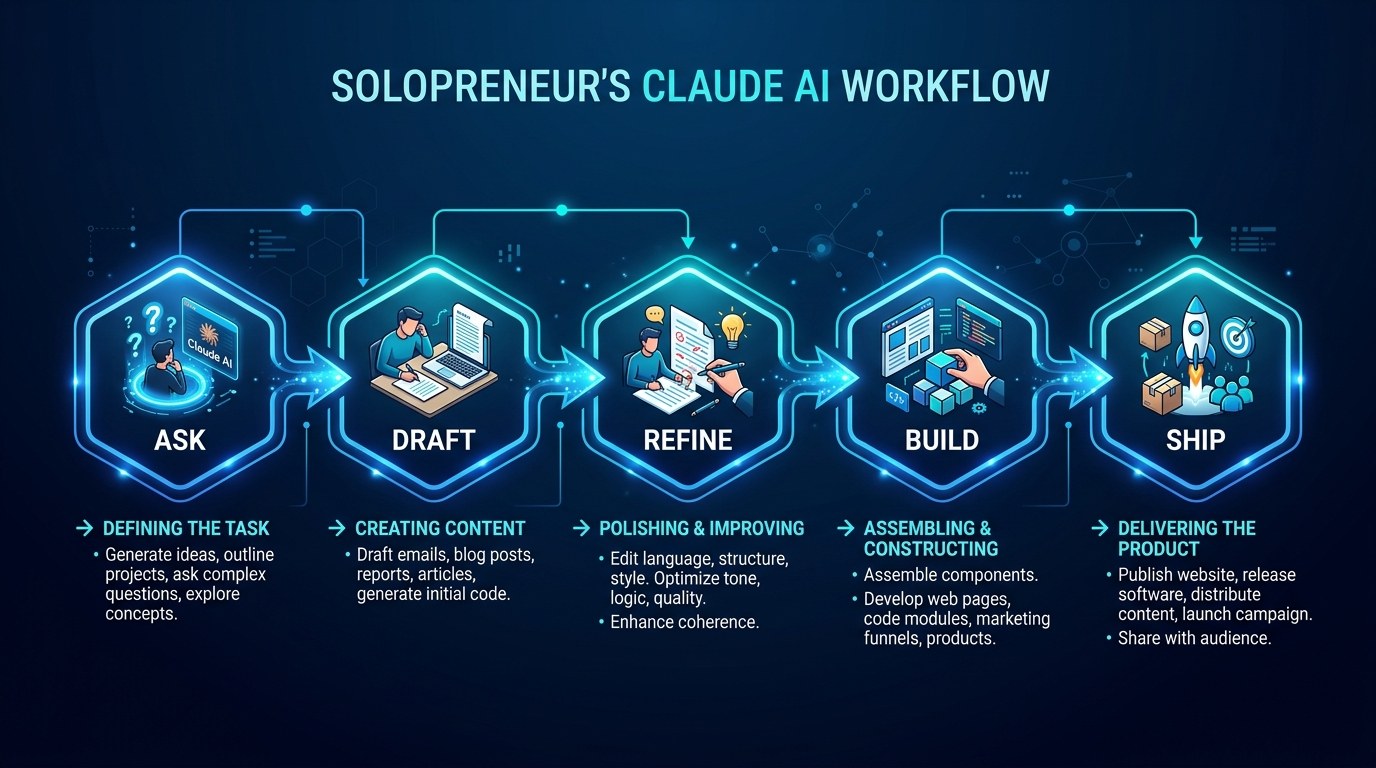
Most people freeze at the blank chat box. Start narrow:
- Pick one task you do every week that takes 30 minutes or more — a newsletter, a proposal, a weekly report.
- Spend your first session teaching Claude that one task: give it 2–3 past examples and your rules.
- Save it as a Project so the context sticks; next week the same job takes 5 minutes.
- Only after that task runs smoothly should you add a second one.
If automation is where you want to head next, our guide to Zapier AI automation pairs well with Claude for connecting the dots between apps.
Claude vs. a General Chatbot — Understanding the Difference
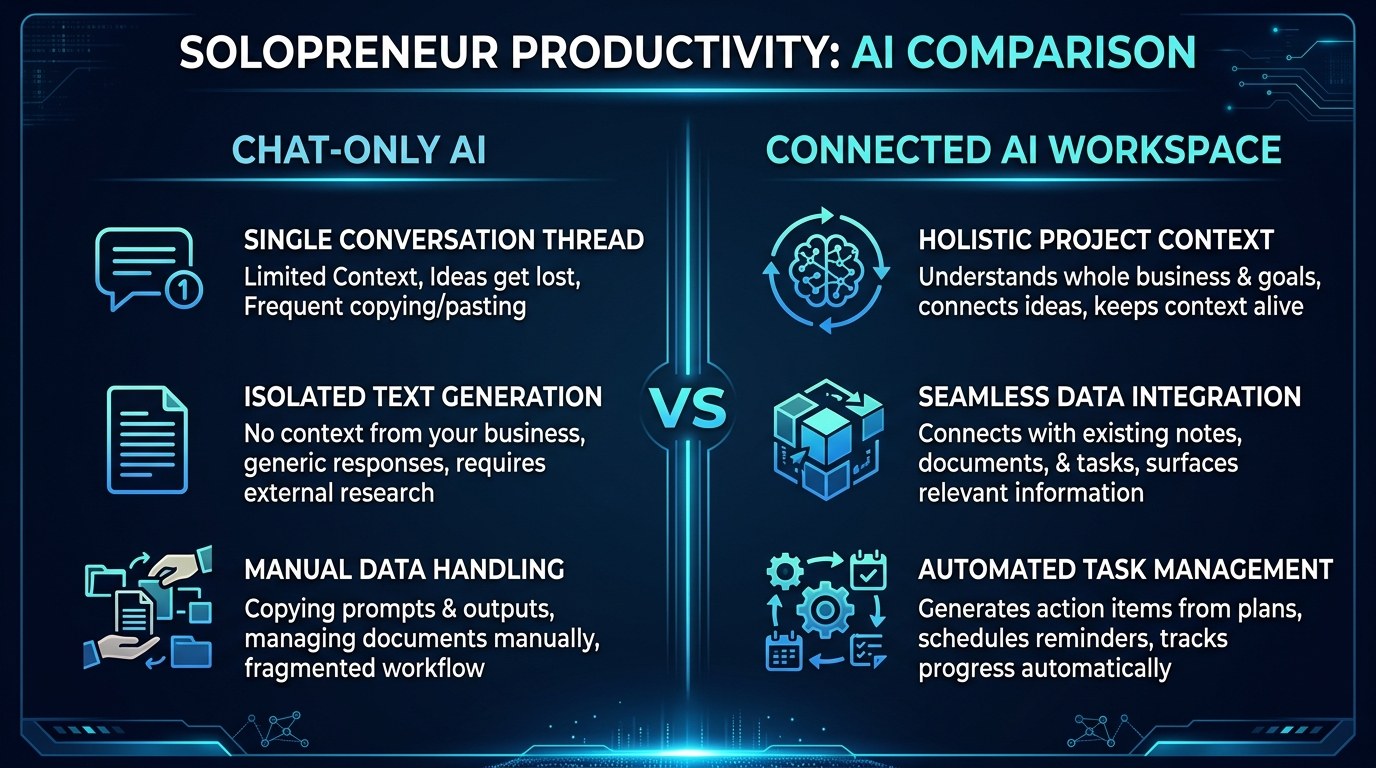
A general chatbot answers the question in front of it and forgets the rest. Claude, set up with Projects and connectors, remembers your business and can act inside your tools. That is the distinction that matters.
What guides the choice is simple: if you only need occasional answers, any chatbot will do. If you want an assistant that carries context across weeks and takes work off your plate, you want Claude configured as a workspace — not just an open tab.
Claude AI for Every Stage of Your Business
The right way to use Claude shifts as your business grows:
- Just starting — use Claude to validate offers, name the business, and write your first landing page before you spend a dollar on tools.
- Getting traction — lean on Projects to keep client context straight and Artifacts to spin up simple tools you would otherwise pay for.
- Scaling solo — connect Claude to your real apps so it drafts, schedules, and reports while you focus on the work only you can do.
Beginner vs. Advanced Options
- Beginner (Free or Pro chat): Ask questions, draft content, summarize documents. Right for anyone who wants results in week one with zero setup.
- Intermediate (Projects + Artifacts): Build a memory bank per client and generate live docs, dashboards, and mini-apps. The meaningful upgrade — this is where most solopreneurs should live.
- Advanced (MCP connectors + Claude Code): Let Claude act inside your tools and run multi-step jobs on its own. Worth the extra effort once you have repeatable workflows that deserve to run without you.
Customization and Workflow Integration
The 2026 trend worth riding is connection — Claude is most valuable when it is wired into the apps where your work already lives. Three ways to tailor it:
- Build a style guide Project so every draft sounds like your brand, not a template.
- Connect your calendar and docs so Claude works from real data, not what you remember to paste.
- Use Artifacts to replace small paid tools — a quote calculator, a content tracker, a simple client portal.
Why This Matters for Solopreneurs Running Lean in 2026
I know the hesitation: another tool, another login, another thing to learn when you are already stretched. That is exactly why the consolidation angle matters — the goal is not to add Claude on top of your stack, but to let it quietly replace three or four things in it.
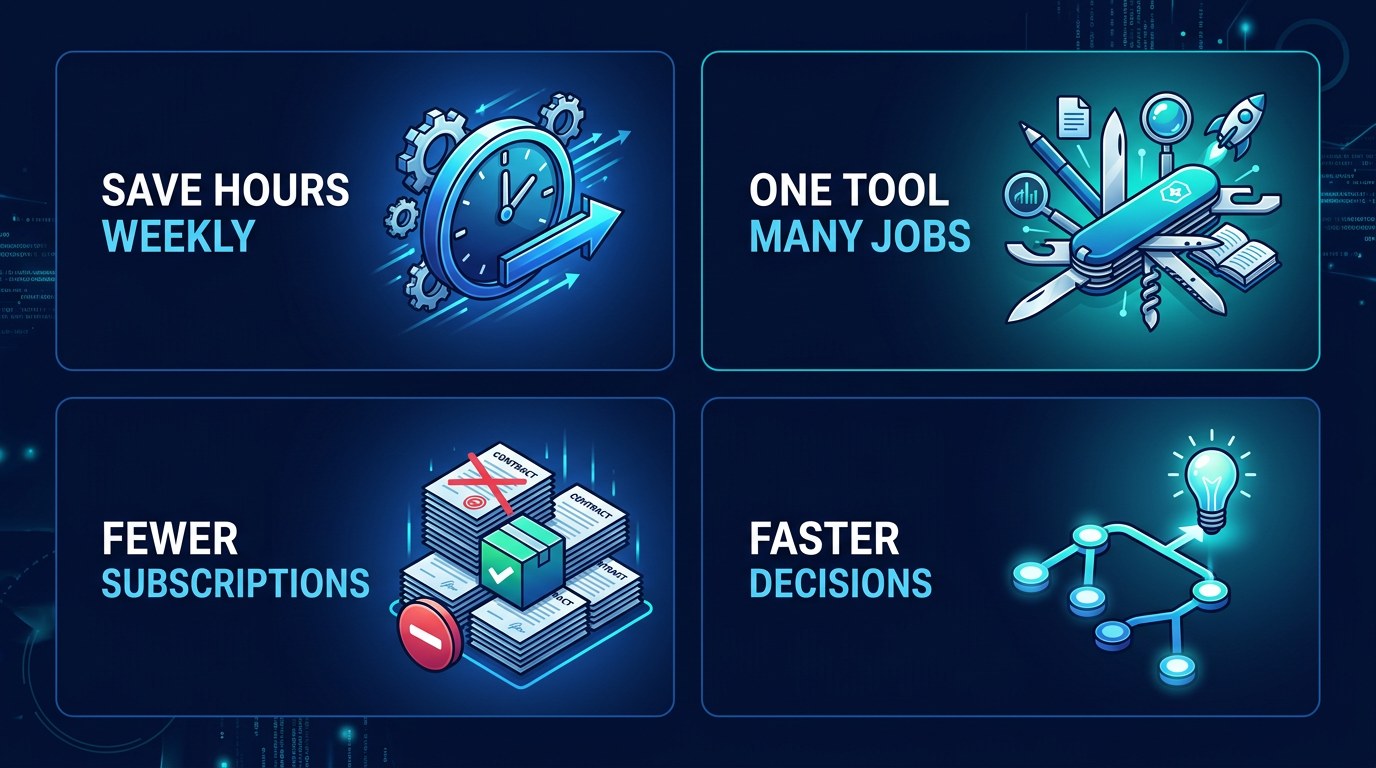
Here is what that buys a lean operation:
- Hours back every week by ending the copy-paste shuffle between tools
- A smaller software bill as Claude absorbs jobs you used to pay separately for
- Faster decisions because your research, drafting, and analysis happen in one thread
- Consistency since one assistant that knows your business beats five that don't
Getting the Most Out of Claude
- Front-load context once. Spend 20 focused minutes building a Project with your brand voice, offers, and rules. Every session after that gets sharper for free.
- Ask for the work, not the lecture. Say "draft the email," not "how should I write an email." Claude is far more useful as a doer than an explainer.
- Keep a human review gate. Let Claude draft everything and send nothing on its own until you trust the pattern. Review stays cheap; mistakes in your name do not.
- Push it past the first answer. The second and third "make it tighter / more specific / more like me" is where the quality actually lands.
Want a daily nudge to build the habit? Start with the free AI Morning Brief and let one small AI win compound over a month.
Frequently Asked Questions About Claude AI
How do I start using Claude AI as a solopreneur?
Create a free account, then pick one weekly task and teach Claude to do it well before adding anything else. Most people see real value the moment they stop asking trivia questions and start handing over a real, repeated job like their newsletter or client follow-ups.
What should I set up first to get good results?
Build your foundation in this order:
- Create a Project for your business and paste in your offers, audience, and brand voice.
- Add 2–3 examples of your best past work so Claude learns your style.
- Try one Artifact — ask it to build a simple tool you would normally pay for.
- Once that clicks, connect one app through an MCP connector so Claude can act, not just advise.
Can Claude actually connect to my other tools, or is it just chat?
Yes, it can connect — that is the 2026 difference. Through the Model Context Protocol, Claude can reach into apps like your calendar, docs, and inbox to take action directly. The caveat: only connect tools you are comfortable giving an assistant access to, and keep a review step on anything that sends or publishes externally until you trust the workflow.
Conclusion
Running a business alone does not mean doing everything alone. The promise of Claude in 2026 is not a smarter chatbot — it is a capable teammate that writes in your voice, builds the small tools you need, and reaches into your apps to get work done, all from one place. That is genuinely within reach for a one-person operation, and it starts with handing over a single task.
Start with the free AI Morning Brief at aiproductivitydaily.com/free-tools — a daily digest of what's moving in AI, filtered for solopreneurs — and let one good habit do the compounding.
One AI workflow, every weekday.
Tutorials, tool reviews, and automation playbooks for solopreneurs running on AI. Short, useful, and free. Unsubscribe anytime.
No pitch. No upsell. One quick AI workflow per weekday.