
The Solopreneur's Guide to Perplexity AI: Faster Research and Real-Time Answers in 2026
What Every Solopreneur Needs to Know About Perplexity AI
If you run your business solo, research eats your day. You open ten browser tabs to check a competitor's pricing, dig for a supplier, or confirm a tax rule — and an hour later you still aren't sure what's true. Perplexity AI was built to collapse that hour into a single, cited answer.
In this guide, you'll learn the parts of Perplexity that actually matter for a lean business:
- Real-time, cited answers
- Quick Search vs. Deep Research
- Focus modes for sources
- Spaces for saved projects
- Free vs. Pro tradeoffs
- Where it beats a chatbot
Before you lean on any of it, here are the considerations to weigh:
- How much you can trust the cited sources
- When live data beats a trained model
- The cost of the Pro tier against your hours saved
- Privacy of what you paste in
- How it fits your existing tools
- Where it still needs a human check
By the end, you'll know exactly when to reach for Perplexity instead of a search engine or a chatbot — and how to get an answer you can act on without second-guessing it.
AI Productivity Daily, a resource for solopreneurs and small business owners using AI to save time and grow, has tested Perplexity across real research tasks. In this breakdown, I'll show you the specific ways it earns a place in a one-person workflow and the few places it doesn't.
The Core Capabilities of Perplexity AI
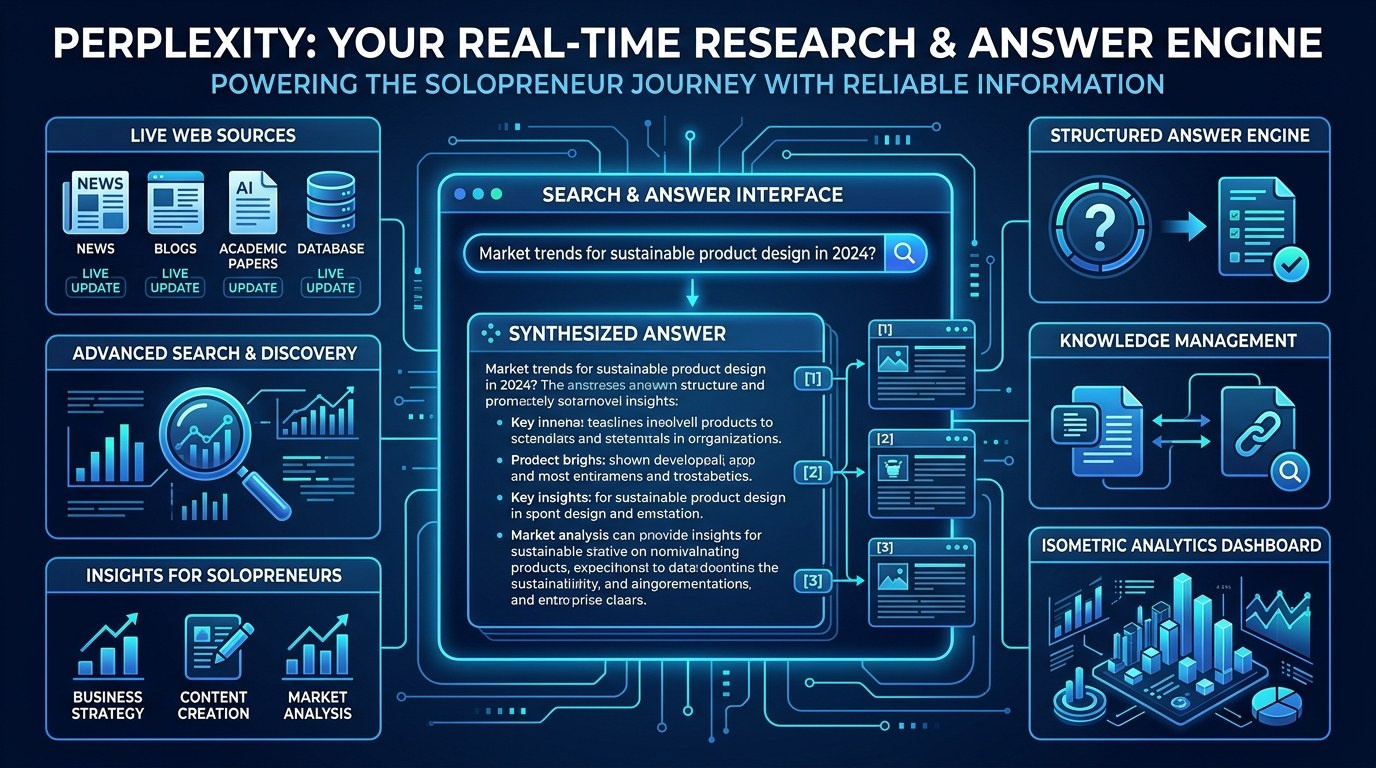
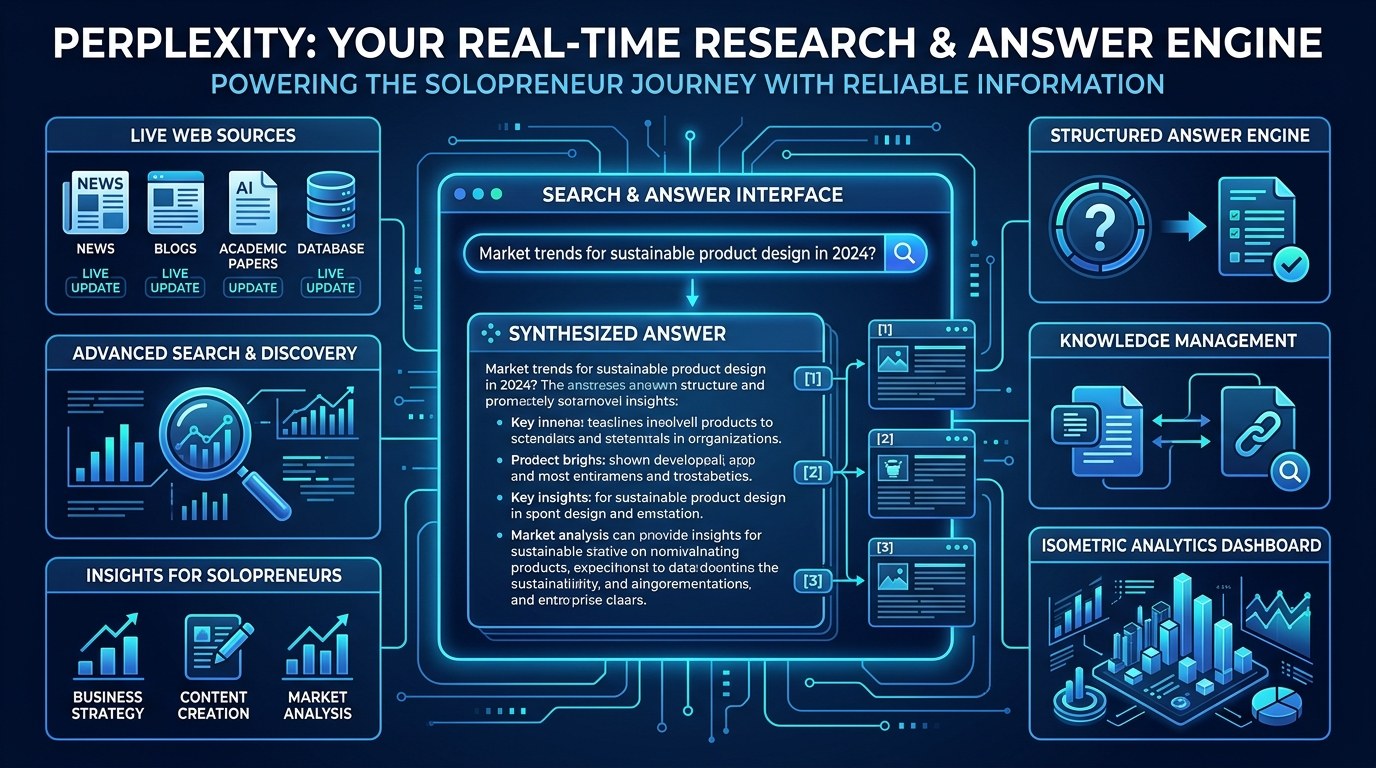
Perplexity sits in a category people now call the "answer engine" — a tool that reads the live web for you and writes back a direct answer with its sources attached. That matters more every year: the volume of AI-generated content online keeps climbing, and in 2026 the hard part of research isn't finding pages, it's trusting them. Perplexity's whole pitch is that every claim comes with a footnote you can click.
That single design choice — answers with citations — is why it has become a daily tool for researchers, journalists, and increasingly solopreneurs who can't afford to be wrong about a number.
Real-Time, Cited Answers
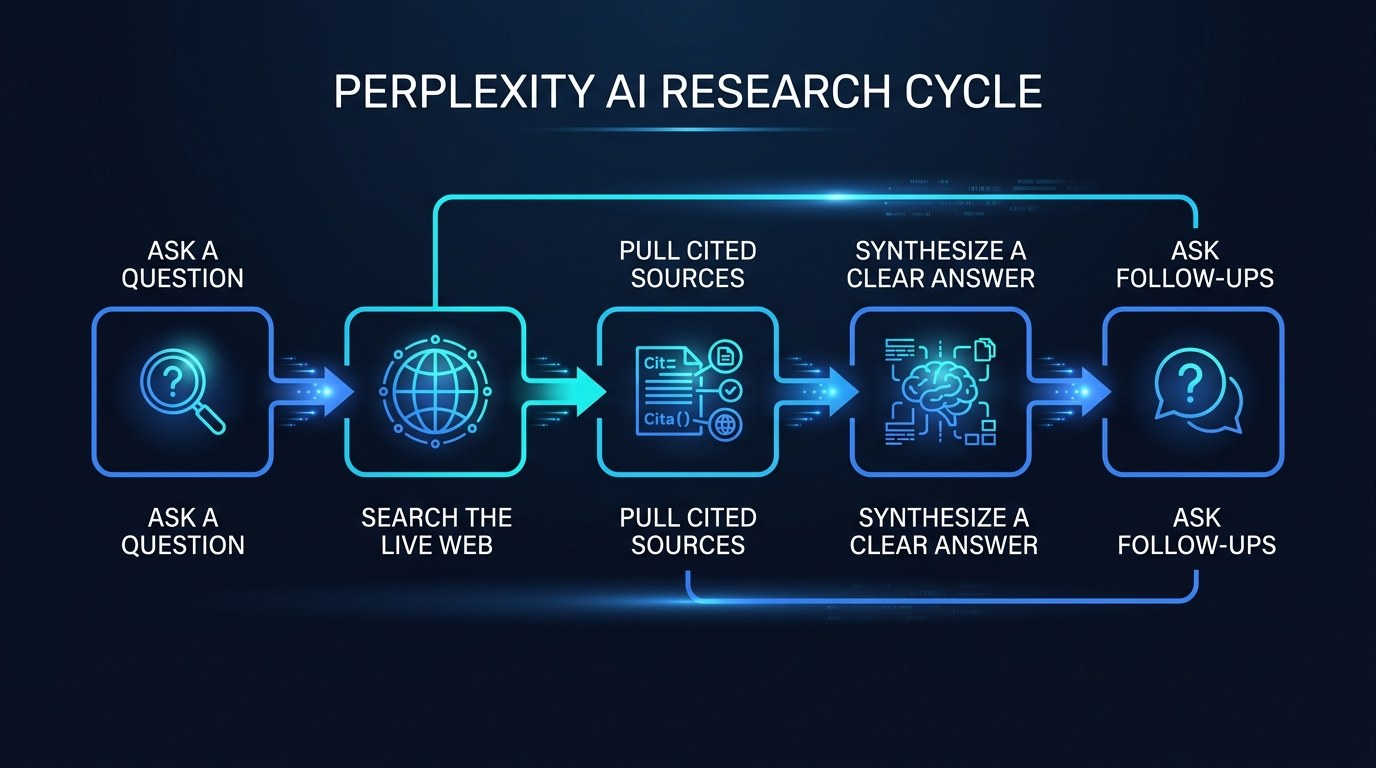
The first thing you notice is that Perplexity reads the web at the moment you ask, not from a frozen training snapshot. Ask it about a price, a new regulation, or a product that launched last week, and it pulls current pages and tells you where it got each line.
For a solopreneur, the practical value comes down to a few things to look for:
- Inline citations — every sentence links to a source, so you can verify the claim in one click instead of trusting a black box.
- Freshness — it surfaces results from this week, not last year, which matters for pricing, news, and tools.
- Follow-up memory — it keeps the thread of your question, so you can narrow down without re-explaining.
- Source variety — it pulls from several sites at once, which surfaces disagreement you'd otherwise miss.
That means you can use it as a first-pass fact-checker for your own work: paste a claim, ask "is this still accurate," and read the cited answer before you publish or quote a client.
Search Modes and Focus
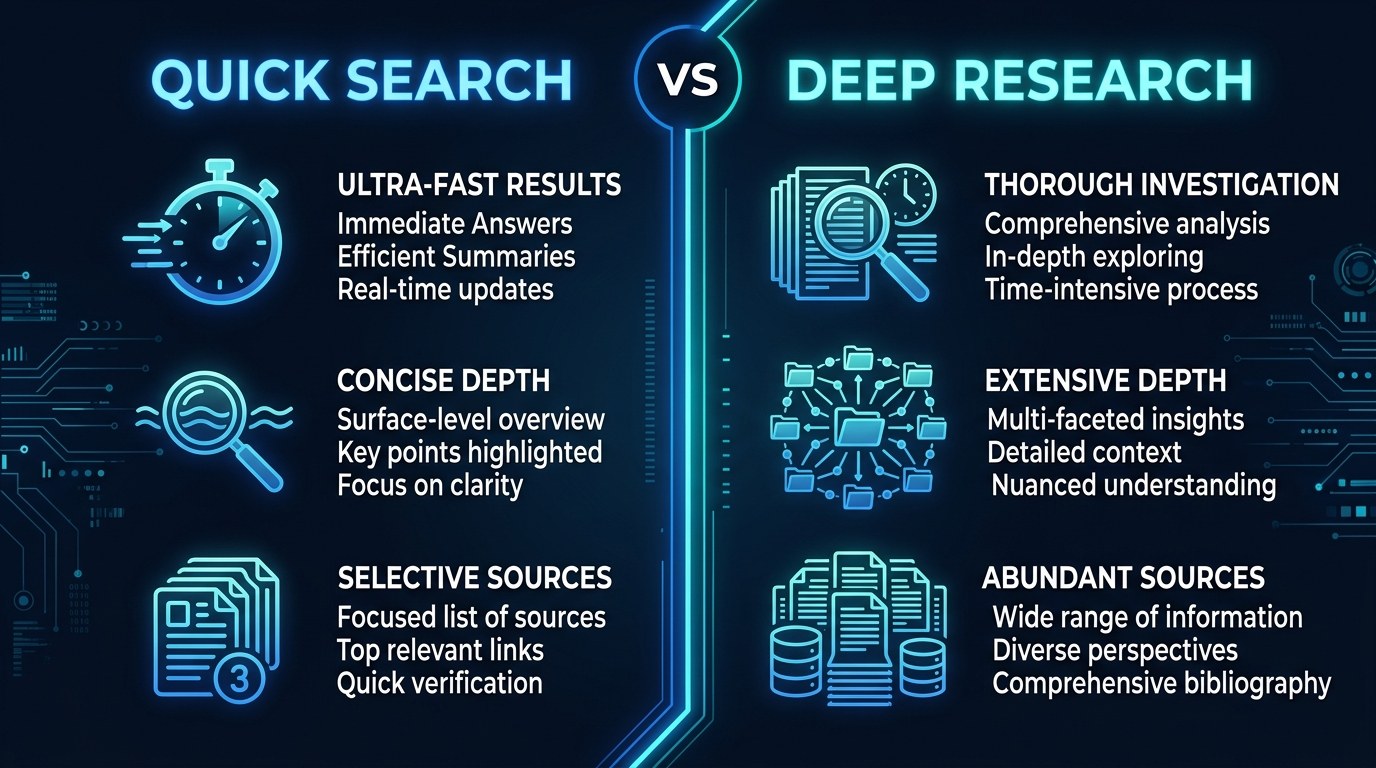
Perplexity isn't one button — it has gears. The trend worth noting in 2026 is that "search" and "deep research" have split into distinct modes, and knowing which to use is half the skill.
A notable development is the rise of agentic research: ask a hard question and Perplexity's Deep Research mode will run many searches, read dozens of sources, and return a structured report in a couple of minutes — work that used to be a paid analyst's afternoon.
The real-world benefit for a one-person business is leverage. You get a junior researcher who never sleeps, doesn't charge by the hour, and shows its work — so you stay the editor instead of the digger.
How to Choose the Right Perplexity Mode for Your Business
Not every question deserves the same tool. Match the mode to the job and you'll save time without burning your monthly limits.
| Mode | Key Quality | Strengths | Best For | |---|---|---|---| | Quick Search | Fast, single answer | Instant, cited, low effort | Quick facts, prices, definitions | | Pro Search | Guided, multi-step | Asks clarifying questions, deeper sources | Comparisons, buying decisions | | Deep Research | Autonomous report | Reads many sources, structured output | Market scans, competitor reports | | Focus (Academic) | Source-filtered | Pulls peer-reviewed and reputable sites | Health, legal, technical claims | | Spaces | Project memory | Saved context and files per topic | Ongoing client or product research |
If you only remember one thing: default to Pro Search for any decision that touches money. The reason is simple — it asks you a clarifying question before answering, which forces the query to be specific, and a specific query is the single biggest driver of a useful answer.
"How do I know the answer is actually right?" — Practical Tips
Citations help, but they don't think for you. Here's how to keep the speed without getting burned:
- Click at least 2 sources on any claim you'll repeat publicly or to a client.
- Prefer Focus modes for high-stakes topics — set the source filter to academic or reputable sites for anything health, legal, or financial.
- Re-ask with a date — add "as of 2026" to force fresh results when timing matters.
- Cross-check one number elsewhere — give it 30 seconds in a second tool before you quote a statistic in a proposal.
If you want more tools that pair well with this kind of workflow, see our running list at aiproductivitydaily.com/free-tools.
Perplexity vs. a Chatbot — Understanding the Difference
The distinction is about where the answer comes from. A chatbot like ChatGPT answers mostly from what it learned during training and is brilliant at drafting, brainstorming, and reasoning. Perplexity answers from the live web and is built for "what is true right now" with receipts attached.
What guides the choice is your priority in the moment: reach for a chatbot when you want to create something, and reach for Perplexity when you want to verify or discover something. Many solopreneurs run both, and the skill is knowing which question belongs to which tool.
Perplexity for Every Stage of Your Business
The same tool earns its keep differently depending on where you are:
- Just starting out — you're making a hundred small decisions with no team to ask. Perplexity becomes the colleague who quickly checks "is this the right way to register" or "what do competitors charge."
- Growing and busy — research is now a tax on your real work. Deep Research mode hands you a competitor scan or market summary so you can stay on billable tasks.
- Established and selling — you need defensible facts for proposals and content. Cited answers give you sources you can paste straight into a client doc.
Beginner vs. Advanced Options
You don't need to pay to get value, but the upgrade is real for heavy users.
- Free — unlimited Quick Search and a limited number of Pro and Deep Research uses per day. Right for anyone testing the waters or doing light daily research.
- Pro (paid) — far more Pro and Deep Research runs, file uploads, and access to stronger underlying models. The meaningful upgrade for solopreneurs who research daily or live in client work.
- Enterprise/Team — shared Spaces, data controls, and admin features. Justified only when you bring on contractors and need shared, governed research.
Customization and Workflow Integration
The 2026 trend is that these tools stop living in a single tab. Perplexity now reaches into the places you already work, and tailoring it pays off.
- Spaces — create one per client or product so context and files stay organized instead of scattered across chats.
- File uploads — drop in a PDF or spreadsheet and ask questions against your own data, not just the web.
- Browser and mobile — keep it a keystroke away so checking a fact never means a context-switch into ten tabs.
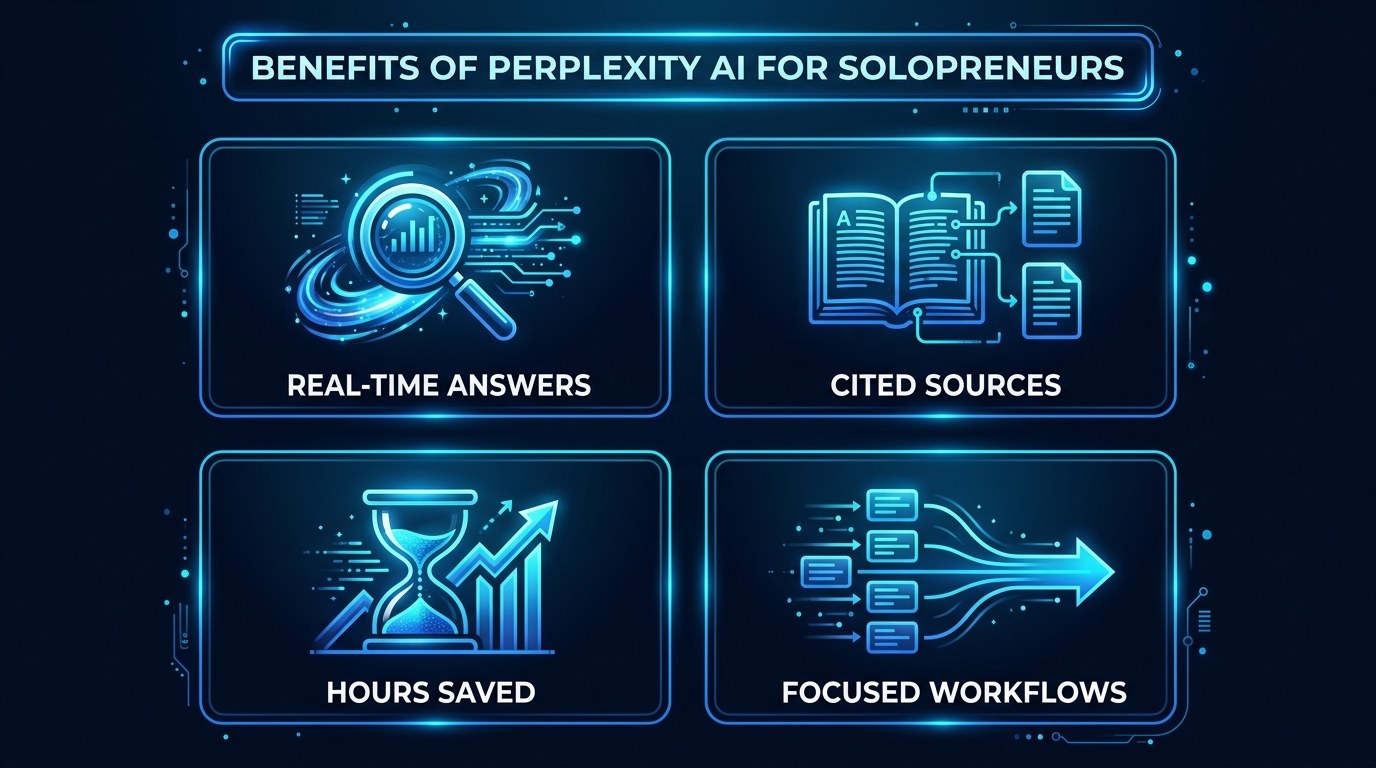
Why This Matters for Solopreneurs Running Lean in 2026
It's fair to be skeptical of one more AI tool — you've probably signed up for three this year and still do most things by hand. But research is different from drafting or design: it's pure overhead, it produces nothing on its own, and it's exactly the kind of low-value, high-time work a lean operator should automate first. That's where a cited answer engine quietly pays for itself.
Applied to a real one-person workflow, the advantages stack up:
- Hours back every week — the ten-tab dig becomes a single cited answer.
- Fewer expensive mistakes — you decide on current facts instead of half-remembered ones.
- Credibility on tap — sources you can hand a client without extra hunting.
- Lower cognitive load — one place to ask instead of a scattered tab graveyard.
Getting the Most Out of Perplexity
A few habits separate casual users from people who genuinely save time:
- Front-load context — tell it who you are and what you're deciding ("I'm a solo consultant choosing invoicing software for under $20/month") and the answer sharpens instantly.
- Use Spaces as project folders — one per ongoing topic so follow-ups build on each other.
- Treat Deep Research as a draft, not gospel — let it do the gathering, then you do the judging.
- Keep a personal prompt list — your best research questions are reusable assets; if you haven't built one, our prompt frameworks guide is a good place to start.
Frequently Asked Questions About Perplexity AI
How do I get a better answer from Perplexity?
Be specific and give context. Instead of "best CRM," ask "best CRM for a solo coach with under 100 clients on a tight budget in 2026." The more constraints you include, the more targeted and useful the cited answer becomes.
What's the right way to verify what it tells me?
Treat it as a fast first draft of the truth, then confirm anything important:
- Click at least two of the cited sources.
- Use a Focus mode for health, legal, or financial topics.
- Add a year or date to force current results.
- Cross-check any number you'll quote publicly in a second tool.
Can I use it on my own documents?
Yes — on the paid tier you can upload PDFs and spreadsheets and ask questions against them, which turns Perplexity into a way to interrogate your own files. The caveat is privacy: don't upload sensitive client data you wouldn't want processed by a third party, and check your plan's data settings first.
Conclusion
Research will always be part of running a business, but it no longer has to be the thing that swallows your morning. With a tool that reads the live web and shows its sources, you shift from digging to deciding — you stay the editor of your business, not its overworked intern. That's the real promise here: not magic answers, but your hours back and the confidence that you're acting on what's actually true.
Start with the free AI Morning Brief at aiproductivitydaily.com/free-tools — a daily digest of what's moving in AI, filtered for solopreneurs.
One AI workflow, every weekday.
Tutorials, tool reviews, and automation playbooks for solopreneurs running on AI. Short, useful, and free. Unsubscribe anytime.
No pitch. No upsell. One quick AI workflow per weekday.