
The Solopreneur's Guide to Context Engineering: Build a Business Context File So AI Stops Giving Generic Answers in 2026
What Every Solopreneur Needs to Know About Context Engineering
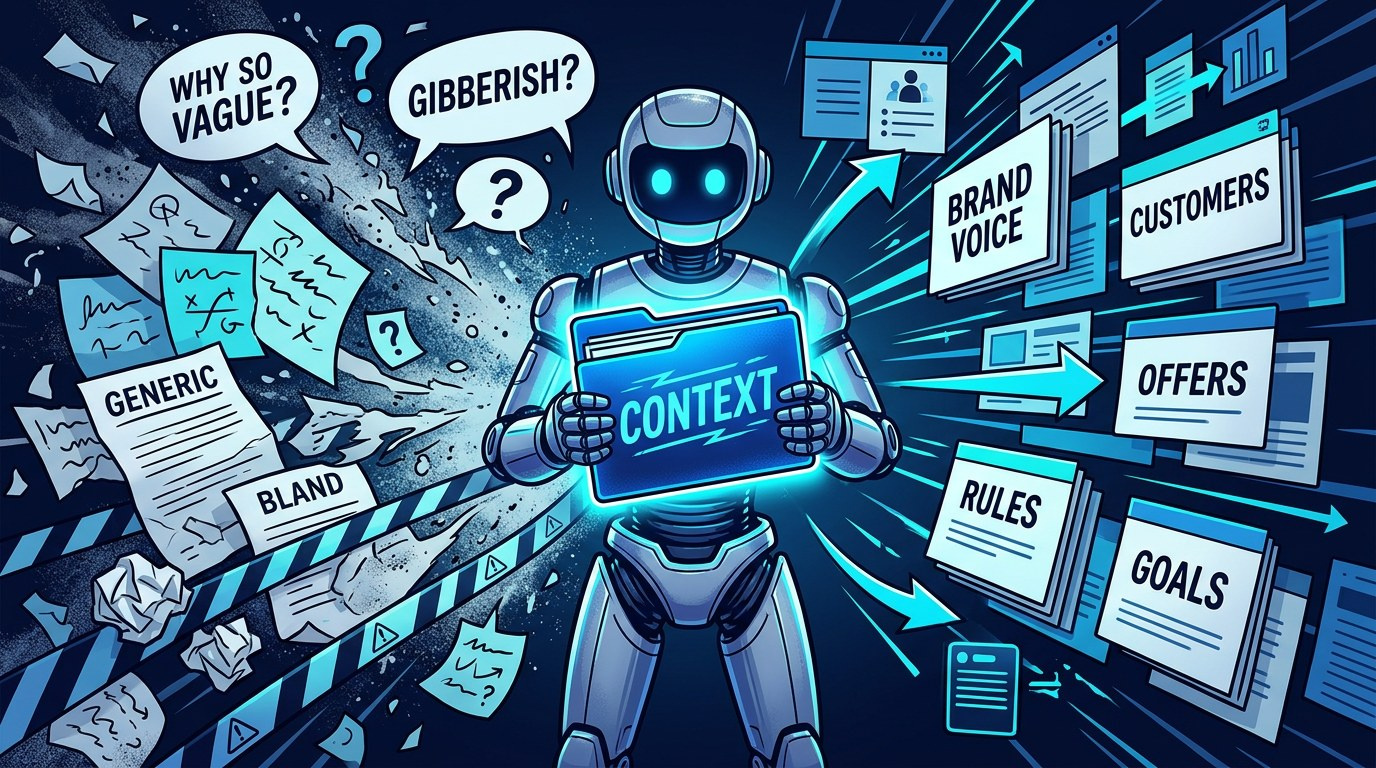
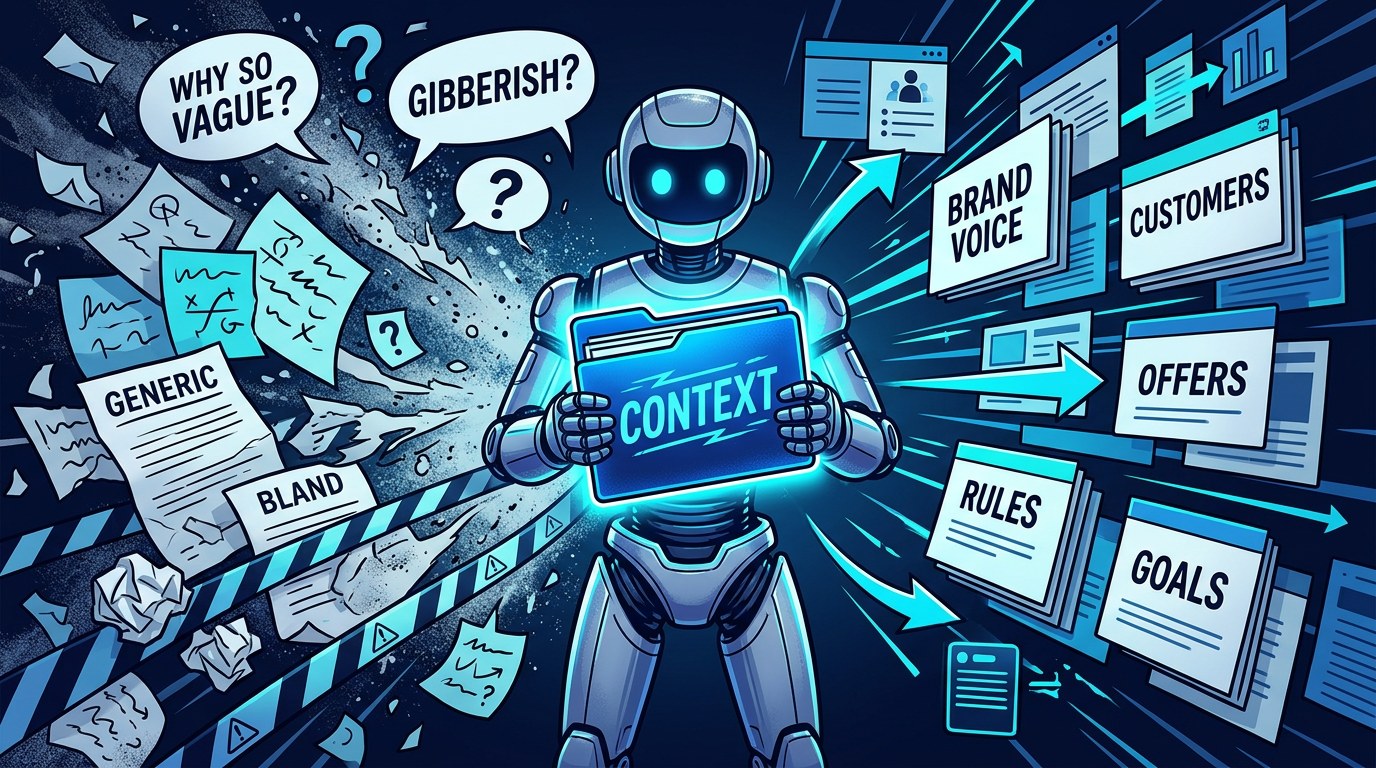
You ask AI for a sales email and get something that could have been written for any business on earth. So you tweak the prompt, add a few adjectives, try again, and it's still off. The problem usually isn't the prompt. It's that the AI knows nothing about your business, your customers, or how you talk, and it fills that gap with the most average answer it can find.
Context engineering fixes this. Instead of writing better one-off prompts, you build a short, reusable document that tells AI who you are, who you serve, and how you work. Then you load it before any task. Same prompt, very different result.
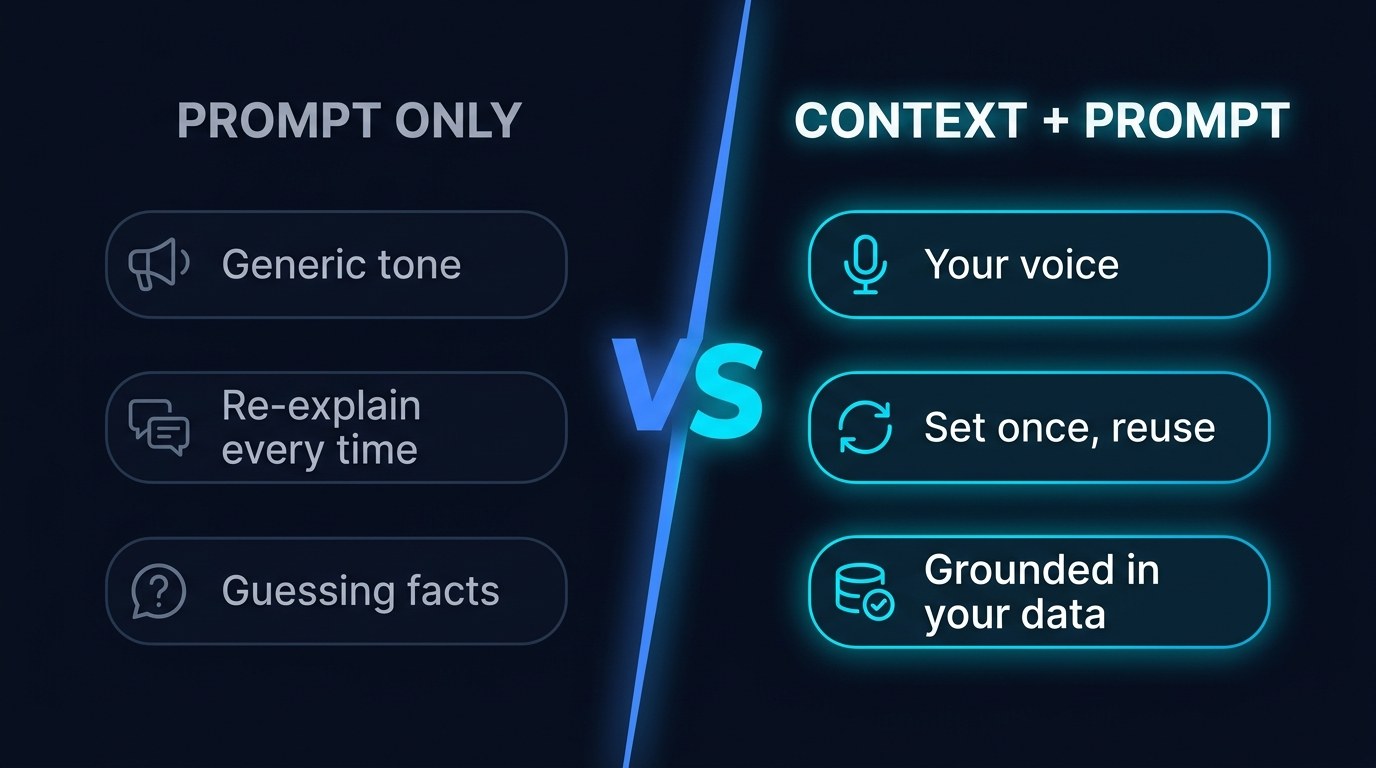
At a glance, here's what changes when you add context:
| Question | Prompt Only | Context + Prompt | |---|---|---| | Does it sound like you? | Rarely, it defaults to generic "professional" tone | Yes, it follows your written voice rules | | Does it know your offers and prices? | No, it guesses or leaves blanks | Yes, pulled straight from your file | | How much re-explaining per task? | Every time, from scratch | Once, then reused | | How often do you rewrite the output? | Most of the time | Occasionally, for polish | | Does it carry across tools? | No | Yes, the same file works in ChatGPT, Claude, Gemini |
The pieces of a solid context setup covered in this guide:
- Business identity block — what you sell and to whom
- Customer profile snapshot — pains, language, objections
- Voice and style rules — do's, don'ts, sample sentences
- Offer and pricing sheet — the facts AI must not invent
- Working rules — formats, boundaries, what to ask first
- Reference examples — two or three outputs you loved
The considerations to weigh before you build yours:
- Where you'll store it so every AI tool can reach it
- How long it can get before AI starts skimming it
- Which facts change monthly and need a review date
- What should stay out for privacy reasons
- Whether you need one master file or a few task-specific ones
- Who else (a VA, a contractor) will use it
By the end of this guide you'll have a template for a one-page business context file, know where to load it in the tools you already use, and have a simple routine to keep it accurate as your business changes.
AI Productivity Daily, a resource for solopreneurs and small business owners using AI to save time and grow, has tested prompting techniques across dozens of real business tasks, from role prompting to structured output. In this guide, I'll show you the layer underneath all of them: the context that makes every prompt work harder.
The Core Building Blocks of Context Engineering
"Context engineering" became the word of 2025 and 2026 among people who build with AI, and the idea is simple. A language model can only work with what's in front of it. Andrej Karpathy popularized the framing in mid-2025, describing it as the careful work of filling the model's context window with exactly the right information for the next step. Every major assistant now has a place built for this: ChatGPT Projects and custom instructions, Claude Projects, Gemini Gems, and Notion AI's workspace-aware answers. Context windows have also grown dramatically, with most frontier models comfortably handling hundreds of pages. That means the limit is no longer how much AI can read. It's whether you've written the right things down.
For a solopreneur, that's good news. You don't need engineering skills. You need a well-organized document about your own business, which you already know better than anyone.
The Business Context File
The business context file is a single document, usually one to three pages, that you give AI before real work. Think of it as the onboarding packet you'd hand a new assistant on day one. It's the difference between a temp who has never heard of you and a contractor who has been with you for a year.
What a good one includes:
- Who you serve, in their words. Not "small businesses" but "HVAC owners with 3-10 techs who hate doing their own marketing." Specific audiences produce specific copy.
- What you sell, with real numbers. Offer names, prices, what's included, what's not. This stops AI from inventing a "premium tier" you've never offered.
- How you sound. Three to five voice rules plus a short sample paragraph you actually wrote. Examples beat adjectives every time.
- Hard rules. Things AI must never do, like promise results, use certain words, or mention a competitor by name.
When the file is right, you stop fighting the output and start editing it. That's the whole goal: move from rewriting to refining.
Static Context vs. Task Context
Not all context belongs in the master file. Static context is the stuff that stays true for months: your audience, your voice, your offers. Task context is what's specific to one job: this client's name, this week's promotion, the transcript from this morning's call.
The trend in 2026 is toward layering the two. Tools like Claude Projects and ChatGPT Projects let you pin static files once, then drop task-specific material into each conversation. Agentic tools go further, pulling the right documents automatically when a task needs them. The Model Context Protocol, now supported across major assistants, is a big part of why that's become practical.
The practical benefit is speed. Your static file handles 80 percent of what AI needs to know, so each new task only requires a sentence or two of fresh detail. A client proposal that used to take five rounds of back-and-forth now takes one prompt and a light edit.
How to Choose the Right Context Setup for Your Business
| Option | Key Quality | Strengths | Best For | |---|---|---|---| | Custom instructions (ChatGPT, Gemini) | Always-on, short | Applies to every chat automatically, zero setup per task | Voice rules and a one-paragraph business summary | | Project files (Claude, ChatGPT Projects) | Scoped, document-based | Holds full context files, examples, and reference docs per project | Recurring work like client proposals or content | | Custom GPTs / Gems | Packaged, shareable | Bundles instructions and files into a reusable assistant | Handing a repeatable task to a VA or contractor | | Notion or Google Doc + paste | Portable, tool-agnostic | One source of truth you can paste into any AI | Solopreneurs who switch between several AI tools | | MCP-connected knowledge base | Automatic retrieval | AI pulls the right docs on its own when needed | Advanced users running agents and automations |
Expert tip: start with a single Google Doc or Notion page as your master context file, even if you plan to use Projects later. The reason is portability. AI tools change fast, and a file you own can be pasted into any of them in five seconds. Projects and custom GPTs are great containers, but they should hold a copy of your file, not the only version of it.
"Won't AI Just Ignore a Long Document?" — Practical Tips
That's a fair worry, and the answer is that structure matters more than length.
- Keep the master file under 1,500 words. Past that, important rules get diluted. If you need more, split it into topic files (voice, offers, customers) and load only what a task needs.
- Put hard rules at the top and repeat the most important one at the bottom. Models pay the most attention to the beginning and end of long inputs.
- Use headings and bullets, not paragraphs. Clear labels like "OFFERS" and "NEVER DO" help AI find and follow the right section.
- Test it with three real tasks before you trust it. Run a sales email, a social post, and a client reply. If any miss the mark, fix the file, not the prompt. For ready-made prompts to test with, grab the templates at aiproductivitydaily.com/free-tools.
Master File vs. Task-Specific Files — Understanding the Difference
A master file describes your whole business in one place. It's easy to maintain and works for most general tasks. Task-specific files go deeper on one job, like a "proposal context" file with your pricing logic, past winning proposals, and standard terms.
The choice comes down to volume. If you do a task once a month, the master file plus a short prompt is enough. If you do it weekly and quality matters, like proposals or newsletters, it earns its own file. Most solopreneurs end up with one master file and two or three task files for their highest-value work.
Context Engineering for Every Stage of Your Business
- Just starting out: Your context file doubles as a clarity exercise. Writing down who you serve and what you charge often sharpens your positioning before AI ever reads it.
- Growing with steady clients: Add client-specific context sheets so AI can draft updates, reports, and follow-ups that reference each client's goals and history.
- Delegating to a team or VA: The same file becomes onboarding material. A contractor who reads it, and an AI that reads it, will produce work that sounds like the same company.
Beginner vs. Advanced Options
Here's how context setups tend to scale:
- Beginner (free): One Google Doc pasted at the start of important chats, plus custom instructions for your voice. Right for anyone who wants better output this week with no new tools.
- Intermediate (paid AI plan): Claude or ChatGPT Projects with your master file and a few task files pinned. The meaningful upgrade is that you stop pasting; the context is just there. Best for people doing daily content, client work, or sales writing.
- Advanced (automation stack): A shared knowledge base connected through MCP or automation tools like n8n and Zapier, so agents retrieve context on their own. Justified when AI is running multi-step workflows without you watching every step.
Customization and Workflow Integration
In 2026, the best AI setups aren't the ones with the cleverest prompts. They're the ones where the AI already knows the business. As assistants gain memory and connectors, the file you write today becomes the foundation every future tool reads from.
Ways to tailor it to how you work:
- Add a "current focus" section at the top with this month's priority offer or campaign, and update it on the first of each month.
- Include two or three "gold standard" examples of past work you're proud of, labeled with what makes each one good. This pairs well with few-shot prompting.
- Create a short version for chat tools with character limits (about 1,500 characters for custom instructions) and a full version for Projects.
Why This Matters for Solopreneurs Running Lean in 2026
If you've tried AI and walked away thinking it just writes bland filler, you're not wrong about what you saw. But you were probably asking a stranger to write on your behalf. Context engineering turns that stranger into someone who knows your business. It's one afternoon of setup, and it pays back every single time you use AI after that.
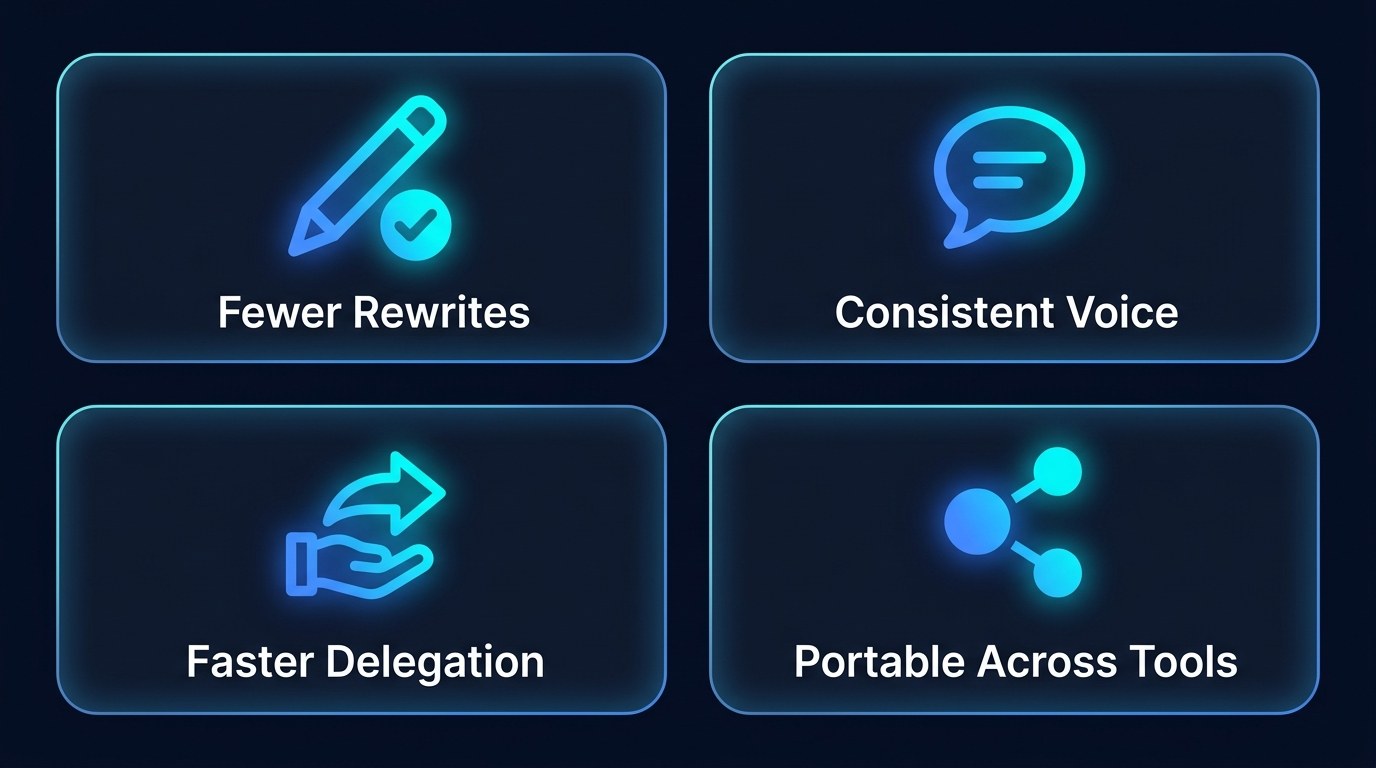
The advantages that show up quickly:
- Fewer rewrites. Output starts close to done because the AI knows your offers, audience, and tone.
- A consistent voice everywhere. Emails, posts, and proposals sound like one business, even when different tools wrote them.
- Faster delegation. The same file onboards a VA, a contractor, or an AI agent with no extra explaining.
- Portability across tools. When a better AI tool launches, you move your file over and keep your quality.
Getting the Most Out of Your Business Context File
- Write it by talking, not typing. Record a 10-minute voice memo describing your business, transcribe it, and ask AI to organize it into your context file sections. You'll capture your real voice faster.
- Add a "last reviewed" date and check it quarterly. Stale prices and old offers are the most common reason good context files start producing wrong answers.
- Keep a "corrections log." Every time you fix the same AI mistake twice, add a rule to the file. After a month, most repeat errors disappear.
- Pair it with human review on anything customer-facing. Better context raises quality, but it doesn't replace judgment. Our guide to human-in-the-loop automation shows how to build that checkpoint in.
Frequently Asked Questions About Context Engineering
What should I put in my business context file first?
Start with three things: who your ideal customer is (in their words), what you sell with real prices, and three to five rules for how you sound. That alone will noticeably improve most AI output. Add examples, hard rules, and client details once the basics are working.
How do I set it up in the AI tools I already use?
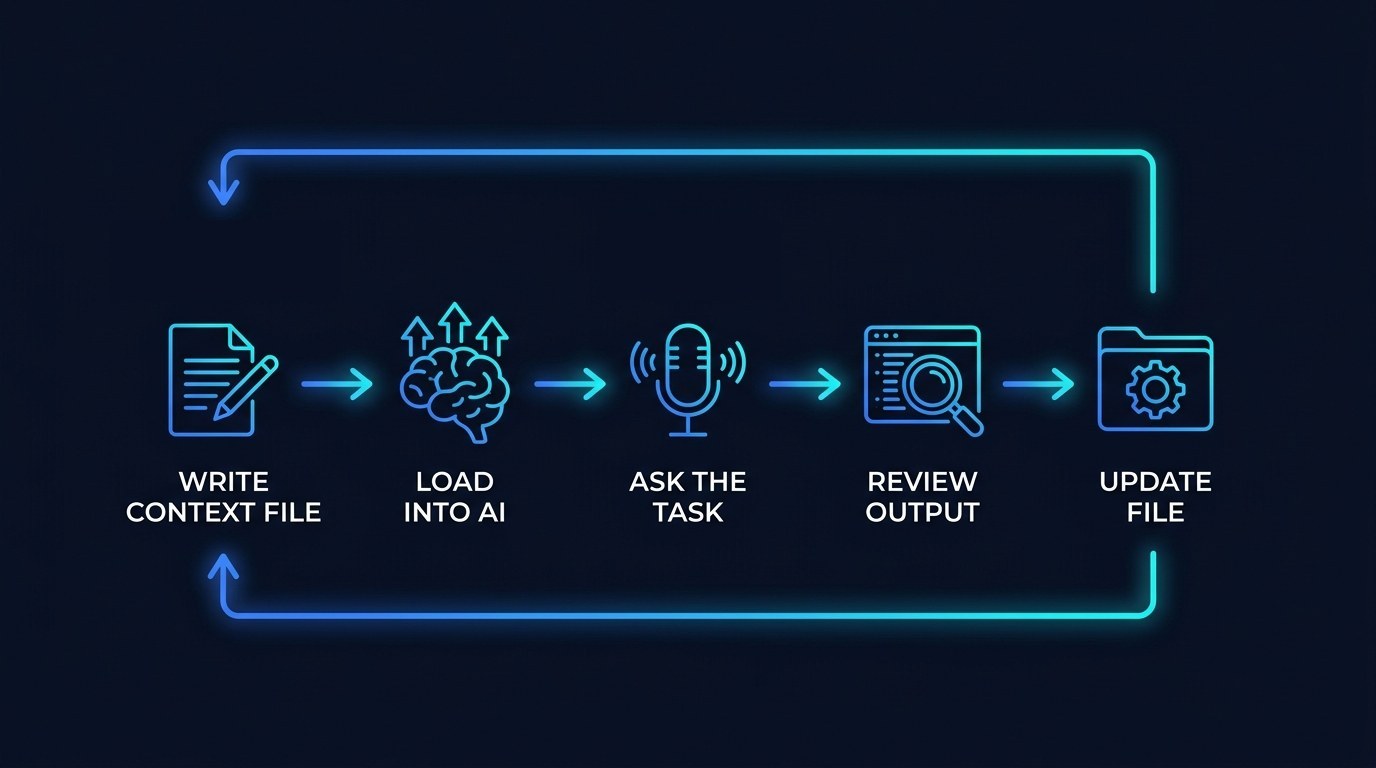
The process is similar in most assistants:
- Write your master file in a Google Doc or Notion page you control.
- Paste a short version (voice plus business summary) into custom instructions or personalization settings.
- Create a Project, GPT, or Gem for your most frequent task and upload the full file there.
- Run three real tasks, note what's off, and update the file rather than the prompt.
Can I include client or customer information in my context file?
You can, but be selective. Include what AI needs to do the job, like a client's goals, preferences, and project history, and leave out sensitive personal data, payment details, and anything covered by a confidentiality agreement. Check your AI plan's data settings, since business and team plans typically exclude your content from model training while some free tiers may not.
Conclusion
The gap between AI that frustrates you and AI that feels like a real teammate is rarely about finding the perfect prompt. It's about whether the AI knows who you are. Write that down once, keep it current, and every tool you use starts working for your business instead of for an average one. That's not a technical skill. It's the same clarity that makes you good at what you do, put on paper.
If you want a daily look at the AI tools and techniques worth your time, start with the free AI Morning Brief at aiproductivitydaily.com/free-tools — a daily digest of what's moving in AI, filtered for solopreneurs.
One AI workflow, every weekday.
Tutorials, tool reviews, and automation playbooks for solopreneurs running on AI. Short, useful, and free. Unsubscribe anytime.
No pitch. No upsell. One quick AI workflow per weekday.